Wondershare ID is your Wondershare account. A Wondershare ID will be created after your payment to Anireel. The email address you used for the purchase will also be bound to your Wondershare ID.
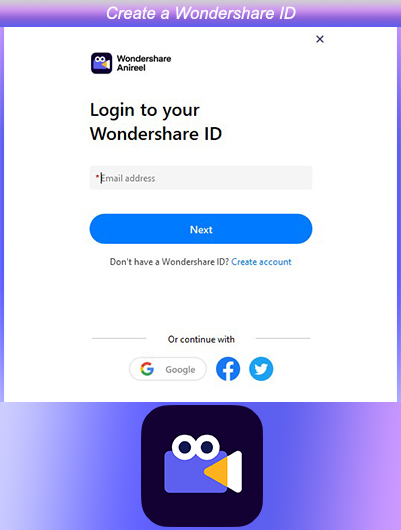
If you have not purchased Anireel, you can create a Wondershare ID account first by following the steps below. Your order information will be updated after completing the payment:
Step 1
Please go to the Wondershare ID login page and click the "Create Account" button at the bottom.
Step 2
Enter your email, password, and name, and then click the "Create Account" button. You will successfully create a Wondershare ID.
Was This Helpful?
Thanks for your feedback.
Can you tell us what didn't work for you?
Feedback sent!