-
Make sure you are using the latest version of Dr.Fone.
If not, please download and install the latest version from: https://drfone.wondershare.com/ -
Ensure that you carefully follow the on-screen instructions.
Please complete all steps as instructed by Dr.Fone and try the process multiple times. -
If the issue persists, please provide a video recording along with any additional relevant information.
The video should clearly demonstrate how you attempt to remove the lock, including each step you take. -
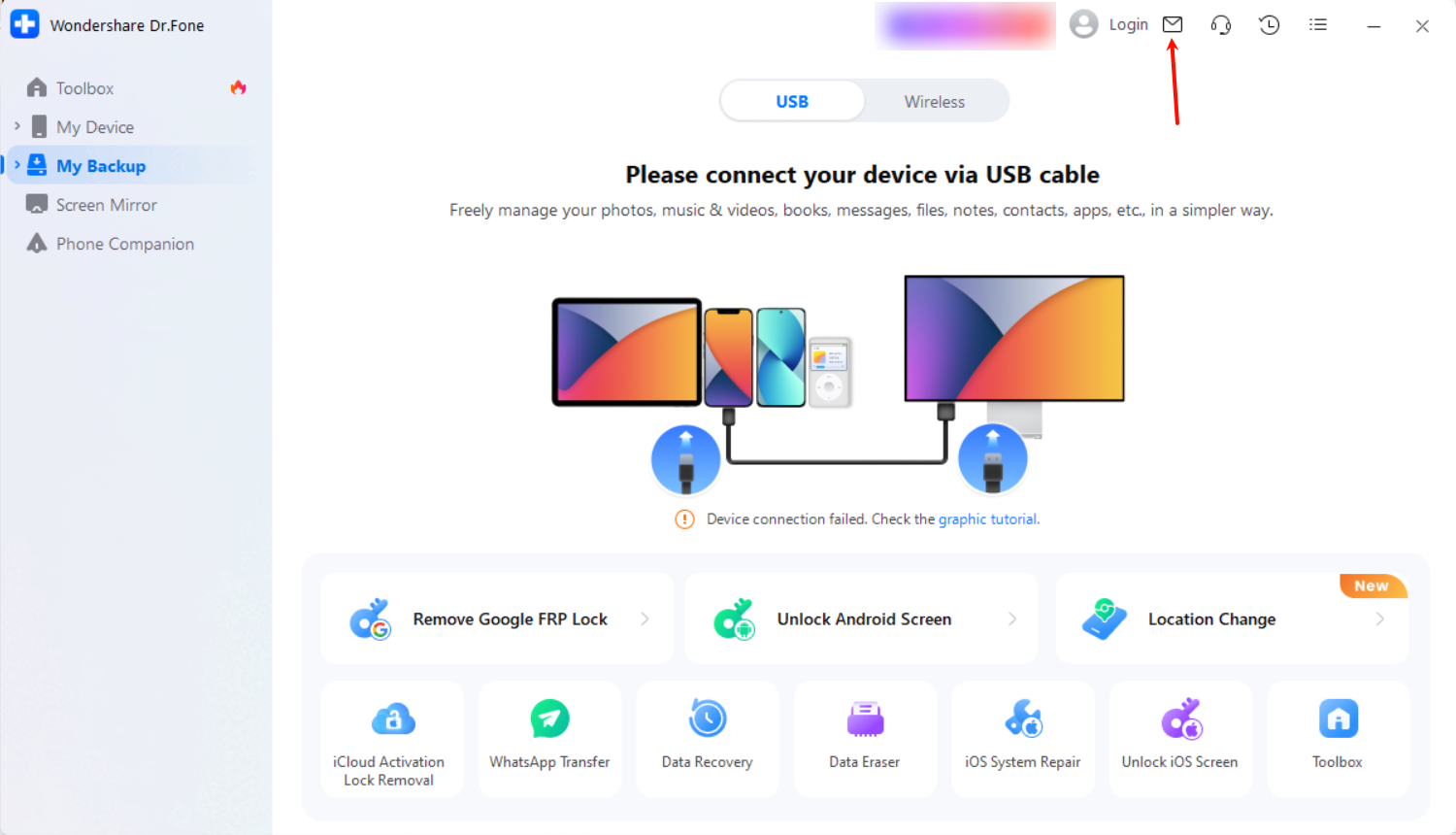
How to submit the video:
You may submit the video via the in-app feedback feature, which will help us better analyze the issue and provide an appropriate solution.
Was This Helpful?
Thanks for your feedback.
Can you tell us what didn't work for you?
Email address is optional. Leave it blank if you do not need follow-up.
Feedback sent!