How to change the shortcut keys?(Wins)
You can click on the three dots in the top right corner of the program to open the Preferences settings, as shown below:
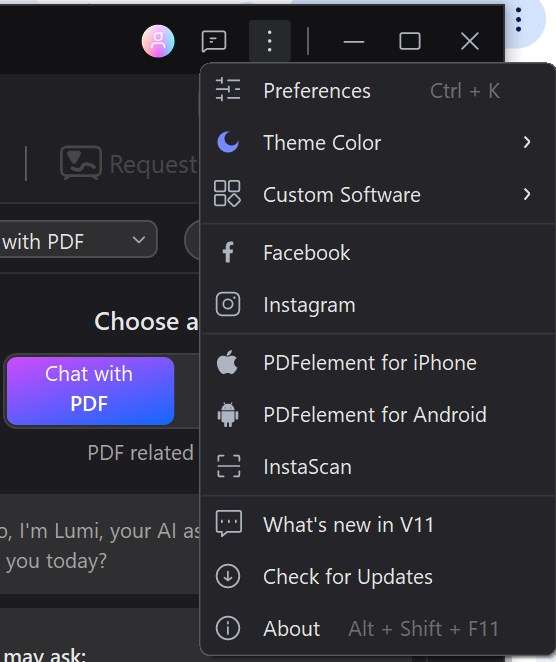
After opening, scroll to the bottom, and you can see the shortcut key options for customizing modifications, which can better help you with editing.
Was This Helpful?
Thanks for your feedback.
Can you tell us what didn't work for you?
Email address is optional. Leave it blank if you do not need follow-up.
Feedback sent!