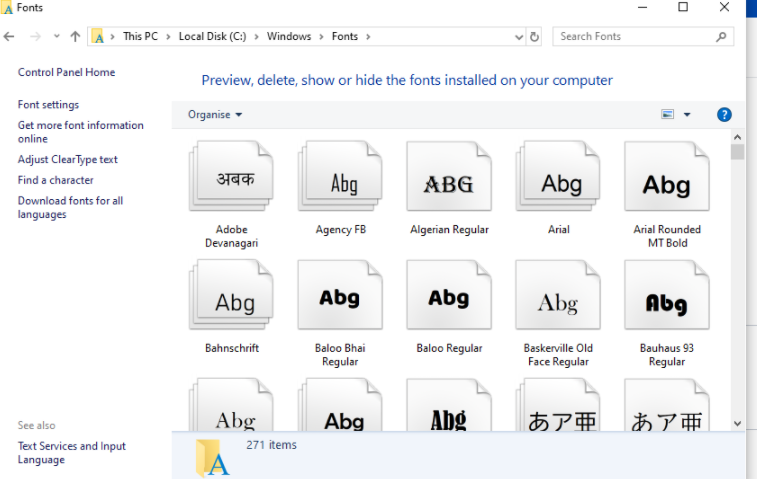
1. Please go to the C:\Windows\Fonts directory to find out if there is the Open Sans font. If there is, delete the font > reinstall the font > restart the system > restart the software.
2. If your computer is missing the Open Sans font for our software interface.
1) Please download the Open Sans font
2) Put the downloaded font in the C:\Windows\Fonts directory
3) Restart the computer > reinstall the software
Was This Helpful?
Thanks for your feedback.
Can you tell us what didn't work for you?
Email address is optional. Leave it blank if you do not need follow-up.
Feedback sent!