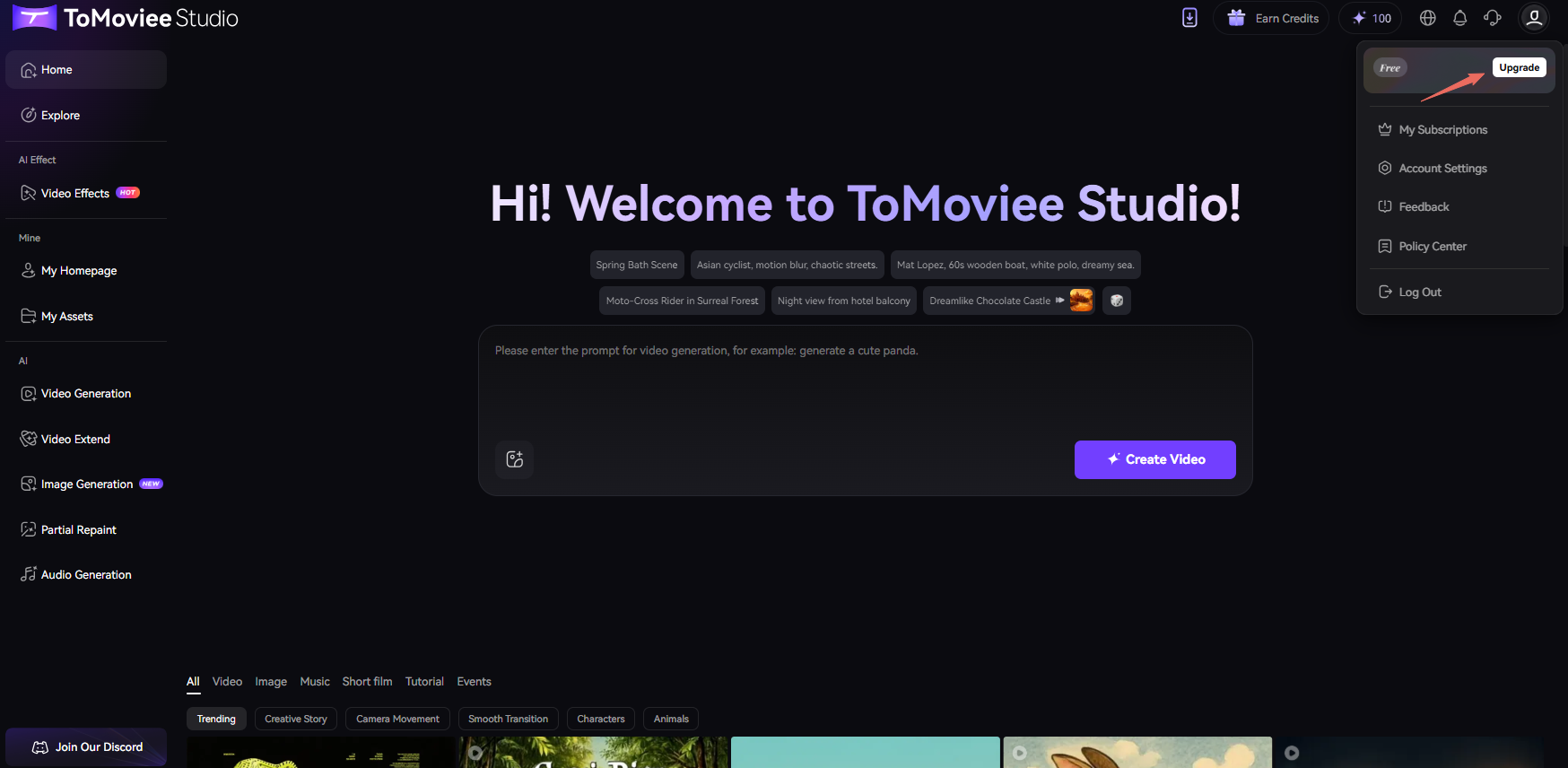
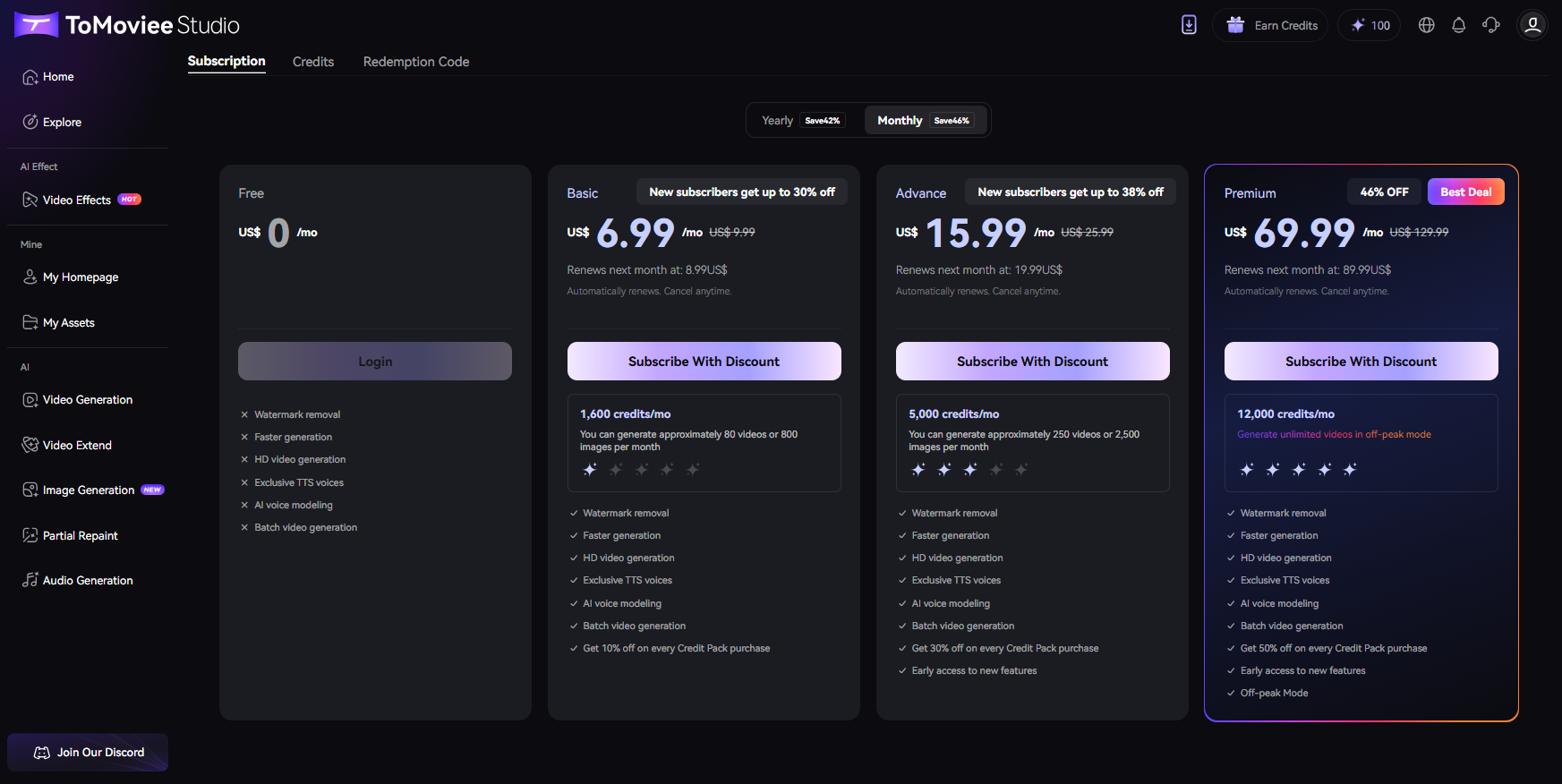
ToMoviee Studio offers three subscription tiers: Basic, Advance, and Premium, each available with both monthly and yearly payment options. To purcashase a subscription, simply hover your mouse over the user avatar positioned in the top-right corner of the webpage and click on the 'Upgrade' button to proceed.
Was This Helpful?
Thanks for your feedback.
Can you tell us what didn't work for you?
Feedback sent!