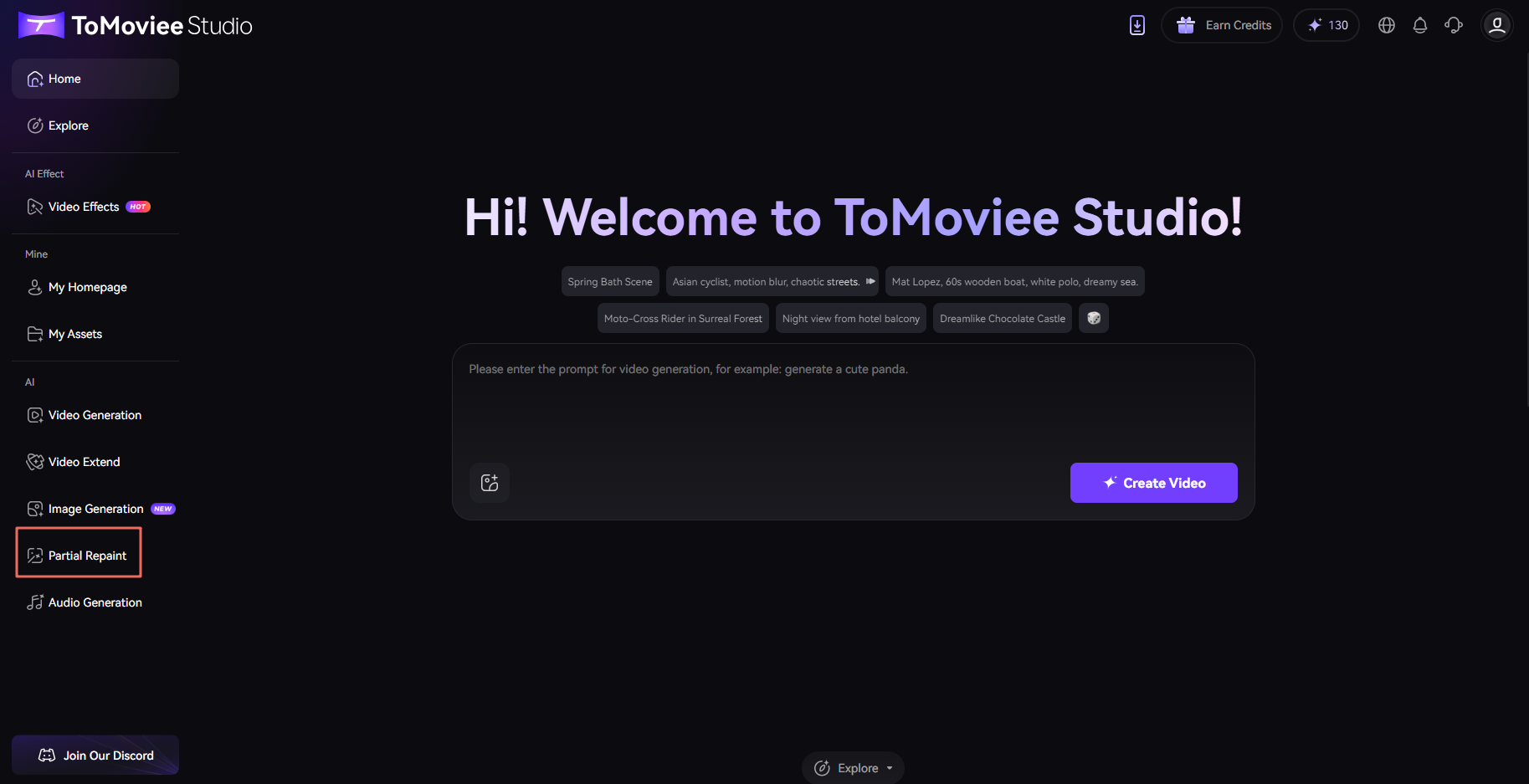
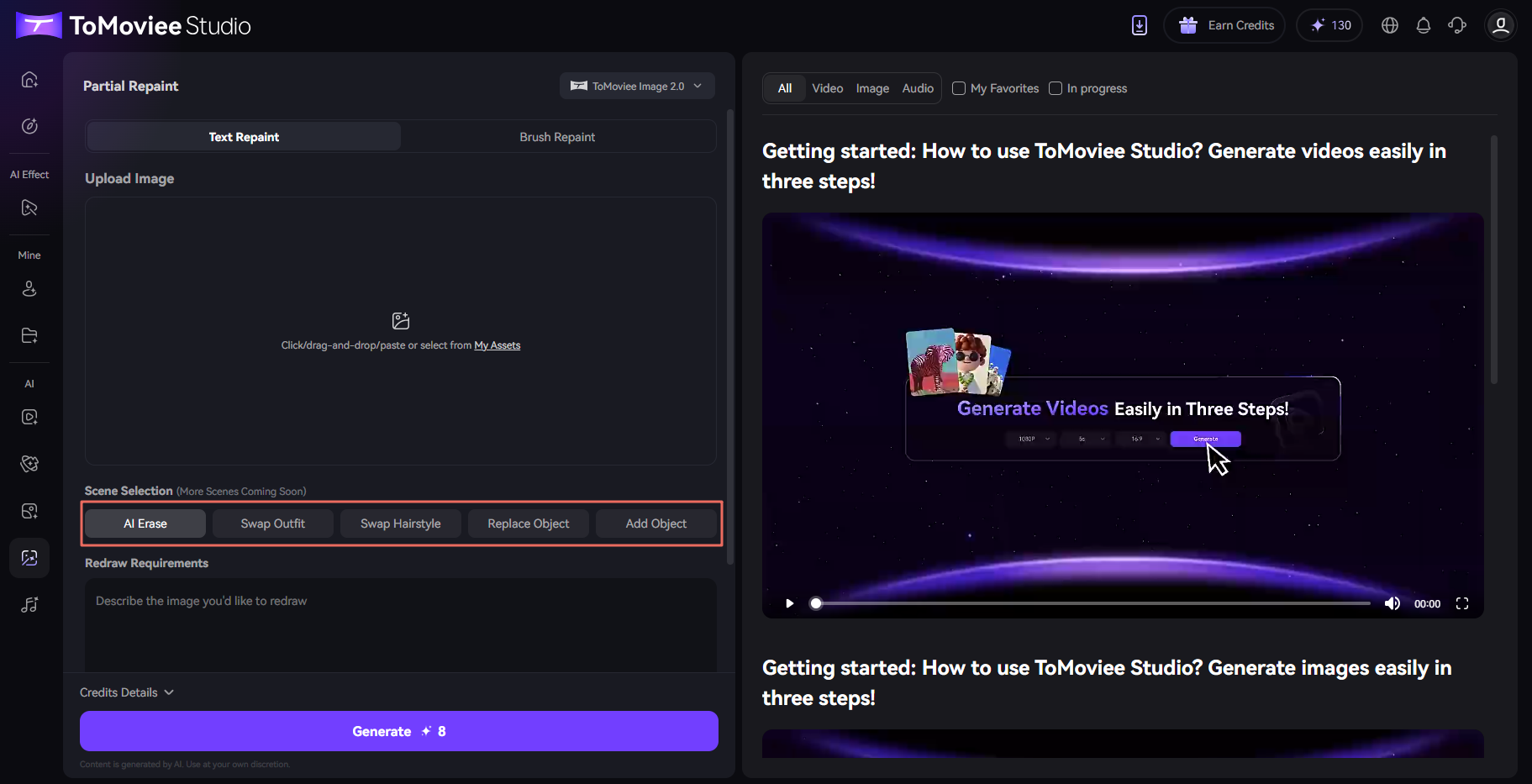
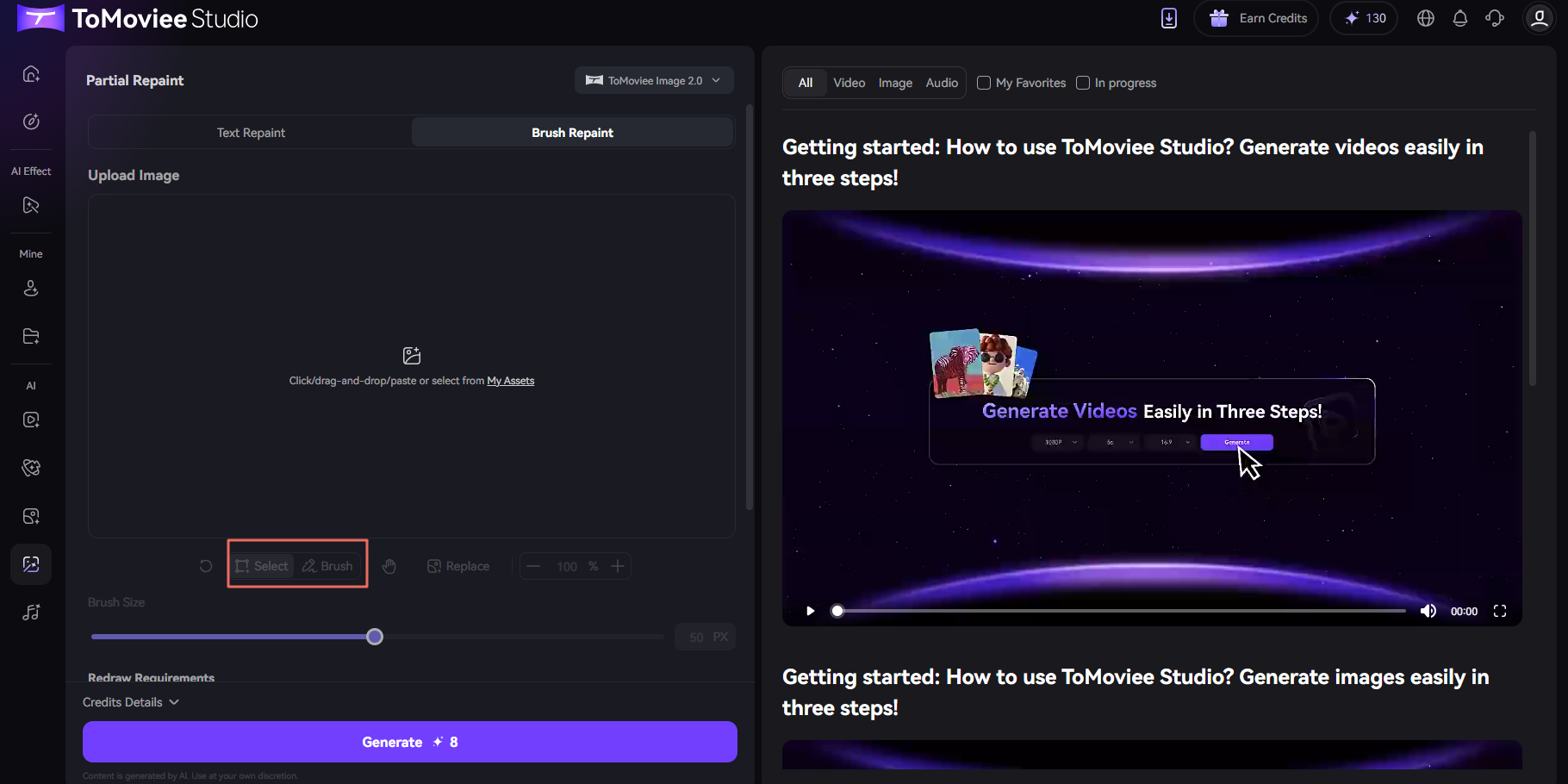
You can find the partial repaint entrance on ToMoviee Studio's homepage. After uploading your image, you can utilize the Text Repaint or Brush Repaint functions. Scenarios available for Text Repaint include: AI Erase, Swap Outfit,Swap Hairstyle, Replace Object, and Add Object . In Brush Repaint, you can directly select or use a brush to select the partial area that requires redrawing and describe your redrawing needs. Wondershare ToMoviee Studio will then assist you in achieving the redrawing.To learn detailed steps, click the user avatar on the top-right corner of the web page, access to tutorial center and view the user guide.
Was This Helpful?
Thanks for your feedback.
Can you tell us what didn't work for you?
Feedback sent!