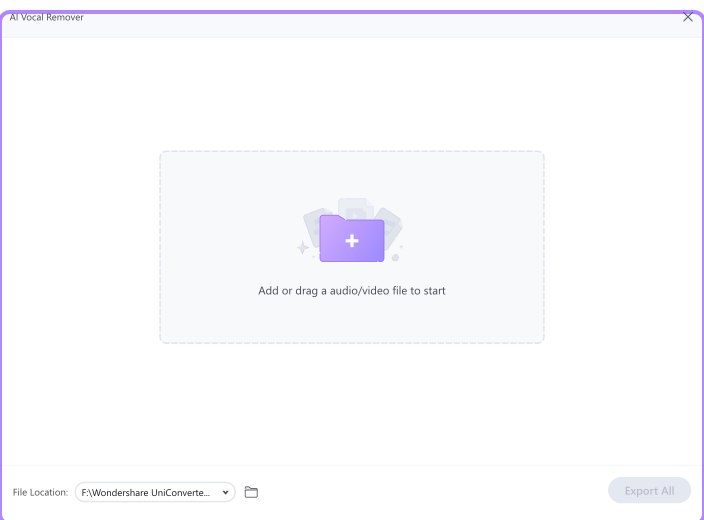
Step 1. Launch the Vocal Remover and add the song.
Launch the Vocal Remover of Wondershare UniConverter on PC. Tap the + File icon to add the audio/video file or directly drag and drop the file.
Step 2. Start analyzing the song.
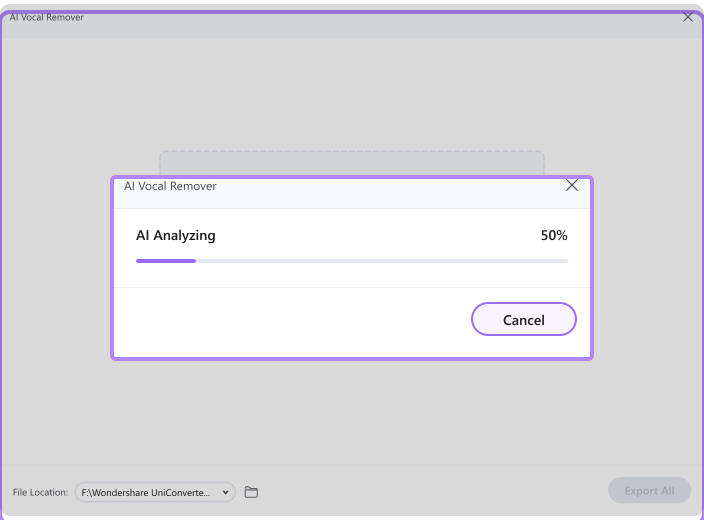
The Vocal Remover will automatically analyze the audio file you imported with AI.
Step 3. Remove vocals and export the file(s).
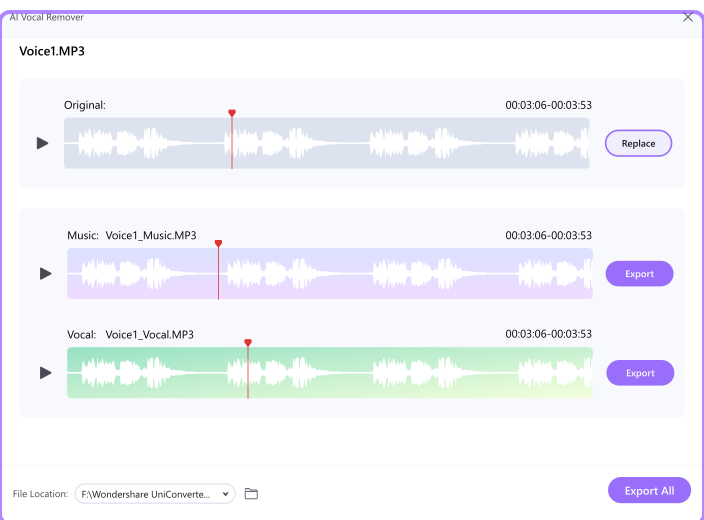
When the analysis is done, you will get two tracks: One with only vocals and one without (the karaoke version of your song). To save the karaoke (instrumental track) or vocals, click the Export button next to the audio tracks.
Was This Helpful?
Thanks for your feedback.
Can you tell us what didn't work for you?
Email address is optional. Leave it blank if you do not need follow-up.
Feedback sent!