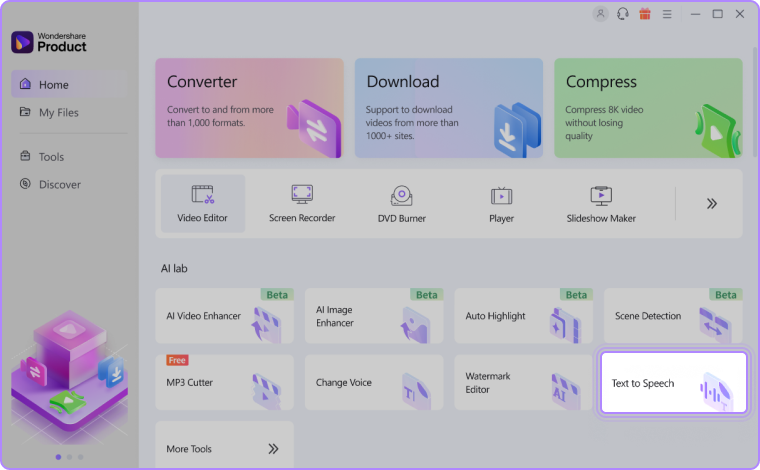
Step 1: Navigate Text to Speech in AI Lab.
Explore the Text to Speech feature within the AI Lab section on the homepage. You can also access it through the Tools tab.
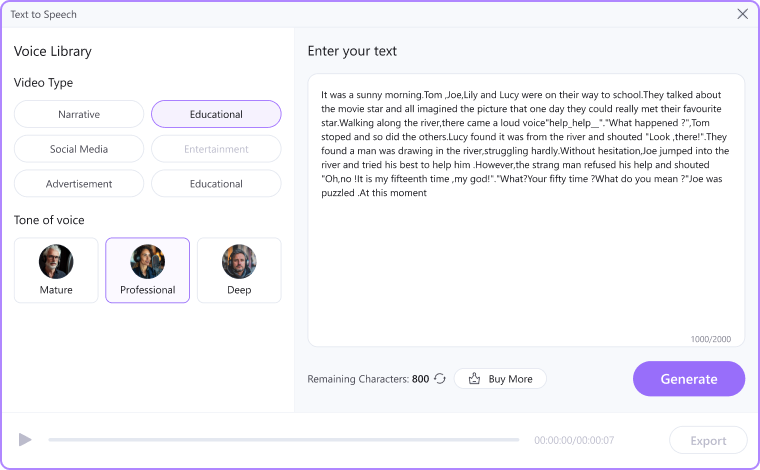
Step 2: Enter your text and choose the tone.
After inputting the text, select the corresponding video type and voice style according to your preferences.
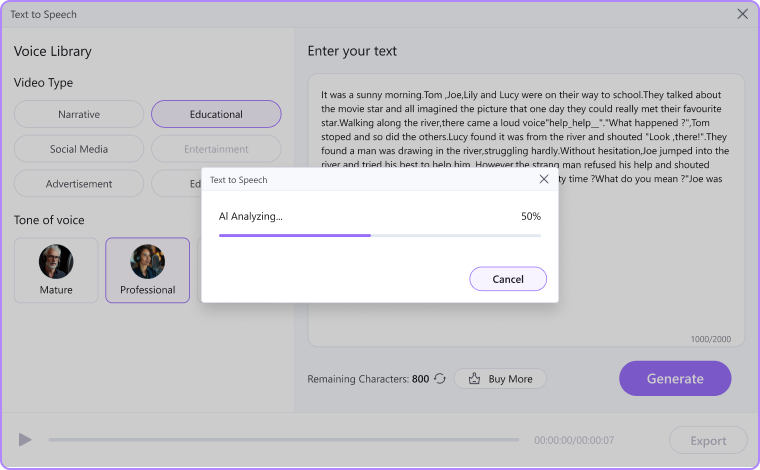
Step 3: Generate your audio in one click.
Once the initial setup is complete, simply click "Generate" and wait for the AI to analyze and complete the process.
Was This Helpful?
Thanks for your feedback.
Can you tell us what didn't work for you?
Email address is optional. Leave it blank if you do not need follow-up.
Feedback sent!