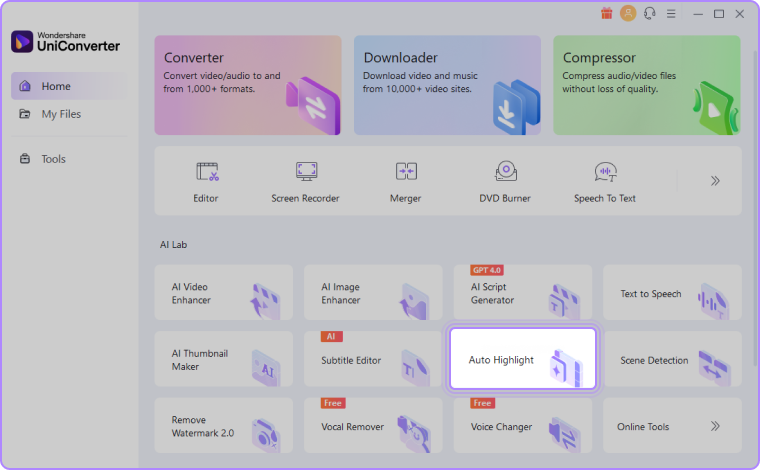
Step 1: Choose Auto Highlight in AI Lab.
Navigate to the Auto Highlight feature within the AI Lab section on the homepage, also accessible through the Tools tab.
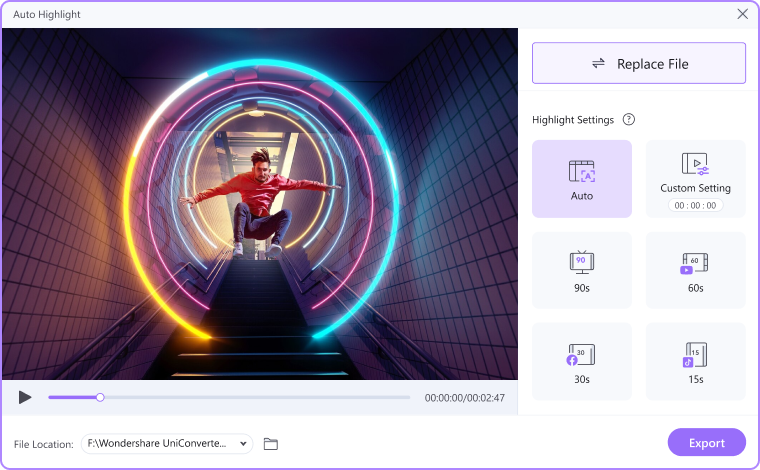
Step 2: Upload video files and select video durations.
After the video upload is complete, choose your preferred video duration. Alternatively, click "Auto" to let AI automatically edit the video.
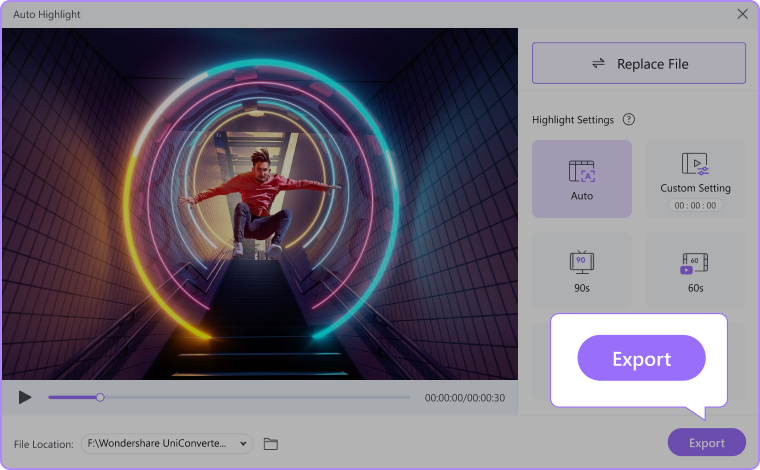
Step 3: Check your highlight video.
Once the highlight segments are detected and extracted, you can preview the final highlight reel in the designated folder.
Was This Helpful?
Thanks for your feedback.
Can you tell us what didn't work for you?
Email address is optional. Leave it blank if you do not need follow-up.
Feedback sent!