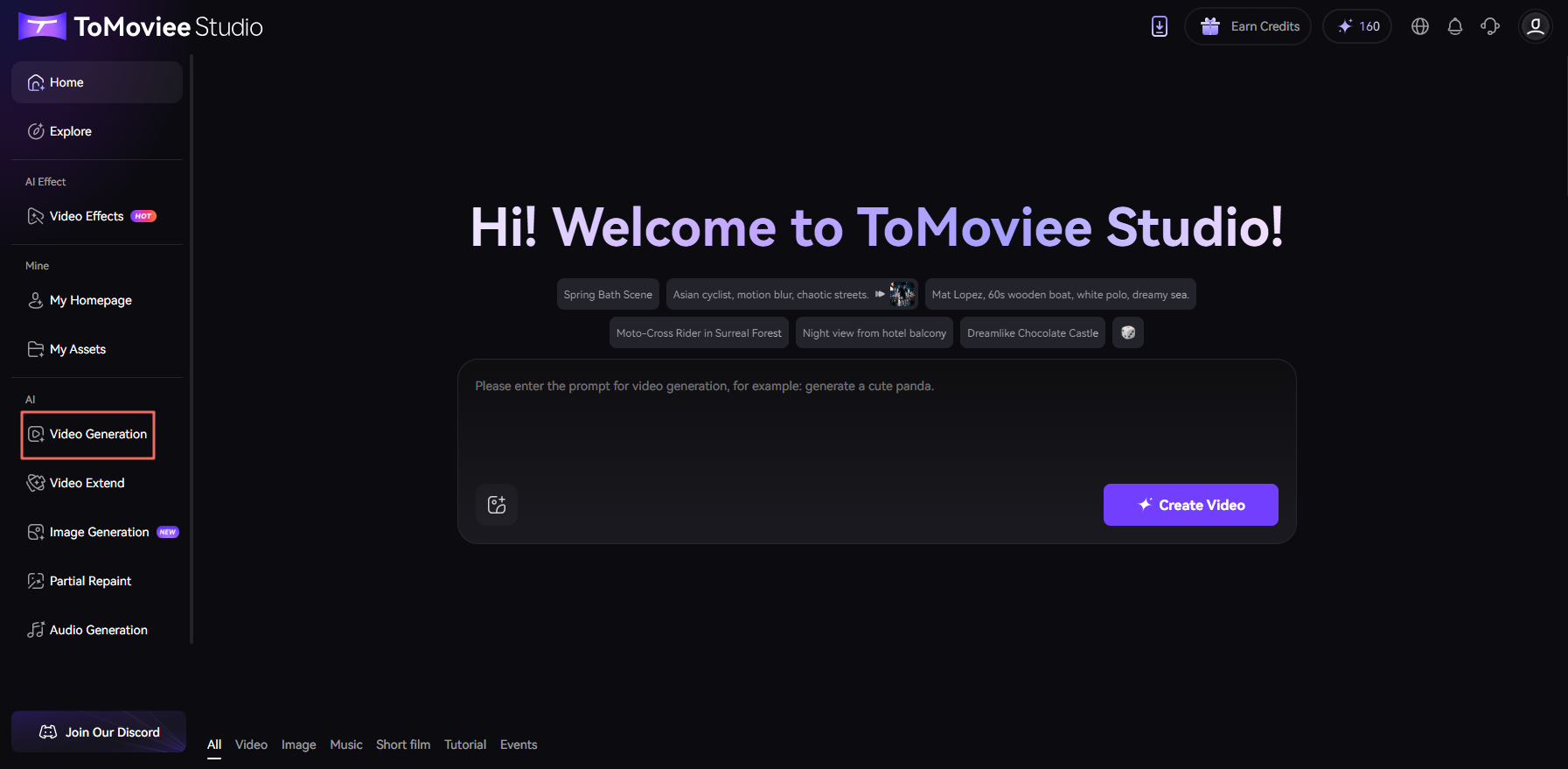
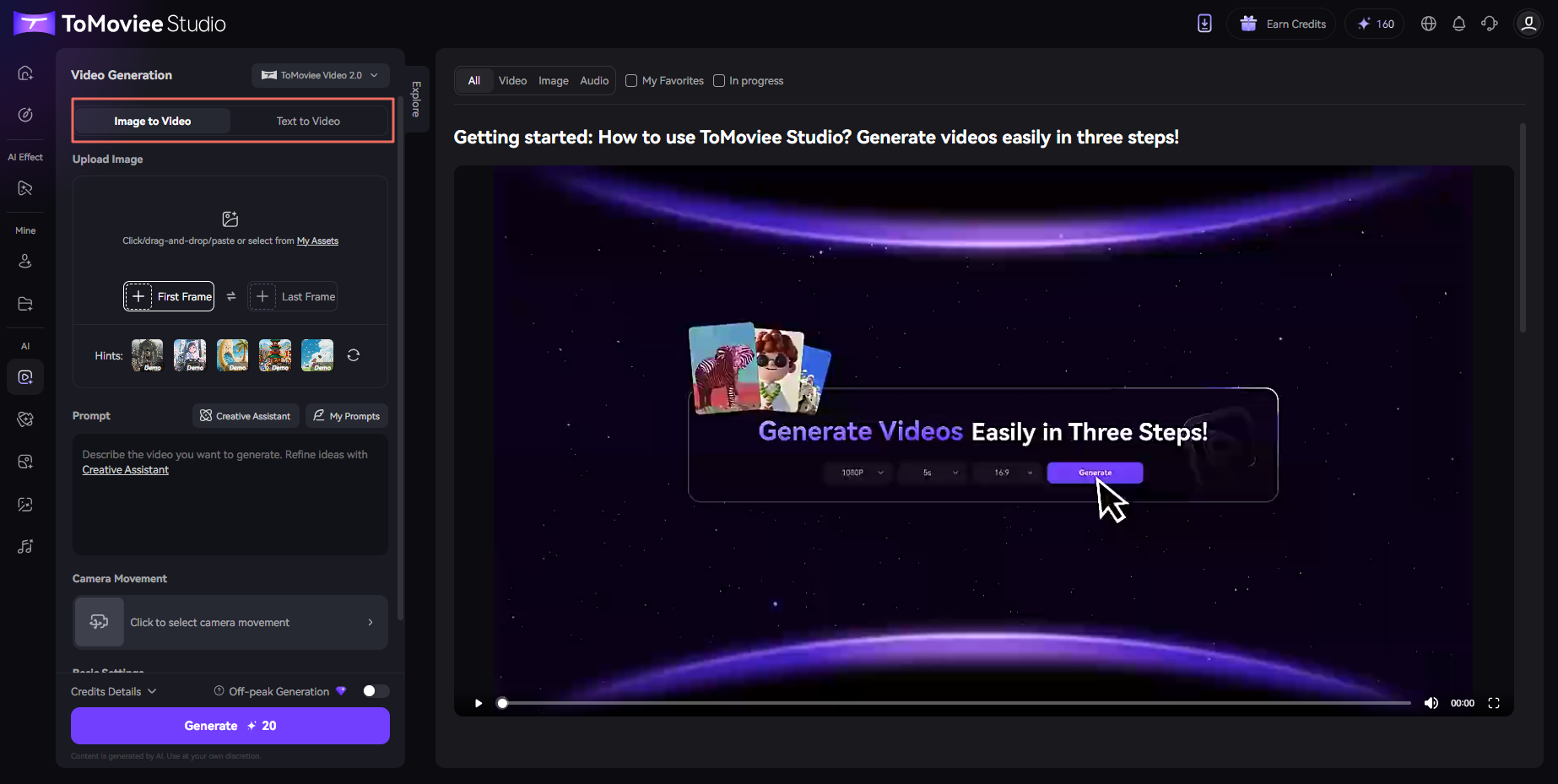
The function bar on ToMoviee Studio's homepage provides Video Generation entrance. Click to initiate the process. Video Generation supports both Image-to-Video and Text-to-Video. For Image-to-Video, you can achieve smooth transitions between two images by "uploading first/end frames + text description". Additionally, ToMoviee Studio offers camera movement settings to give your videos cinematic motion effects. To learn detailed steps, you can view the user guide.
Was This Helpful?
Thanks for your feedback.
Can you tell us what didn't work for you?
Feedback sent!