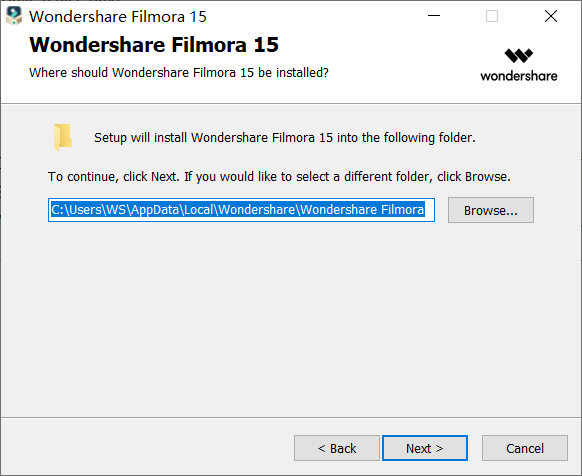
Yes. During the installation process, there will be a step to choose a custom installation folder, allowing you to change the installation path as needed.
Tips:
- If you want to install Filmora to a non-default location (such as drive D or another folder), click “Browse” or “Change Path” when prompted by the installation wizard to choose the installation location.
- Make sure the selected installation path has sufficient disk space and read/write permissions.
Was This Helpful?
Thanks for your feedback.
Can you tell us what didn't work for you?
Email address is optional. Leave it blank if you do not need follow-up.
Feedback sent!