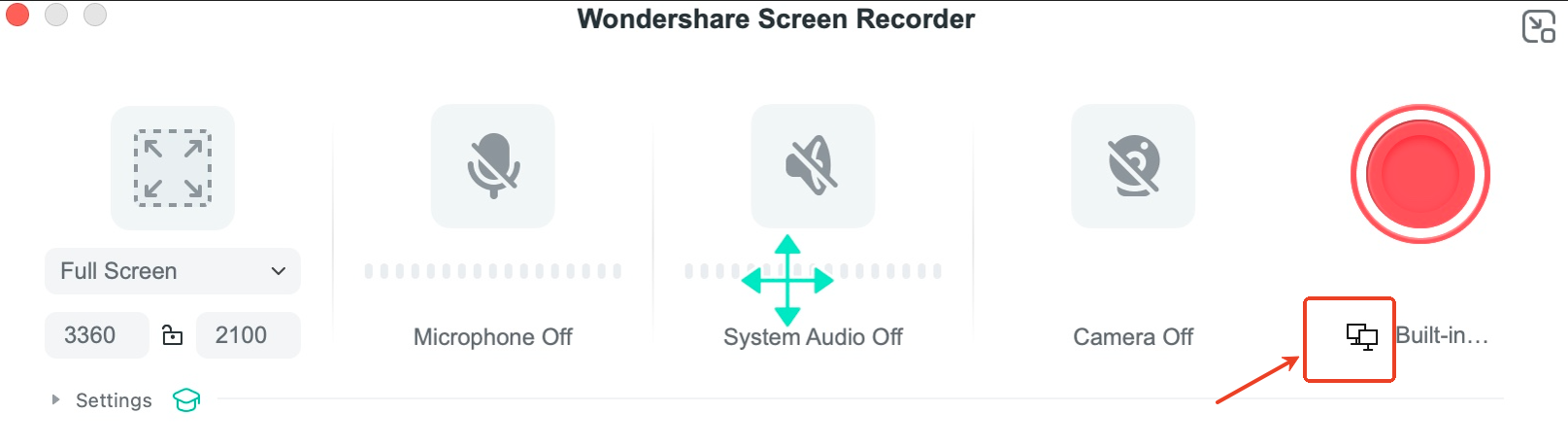
For Mac:
-
Open the screen recorder
-
In the recording window, locate and click the "Switch Screen" button
-
Recording will automatically transition to the new screen
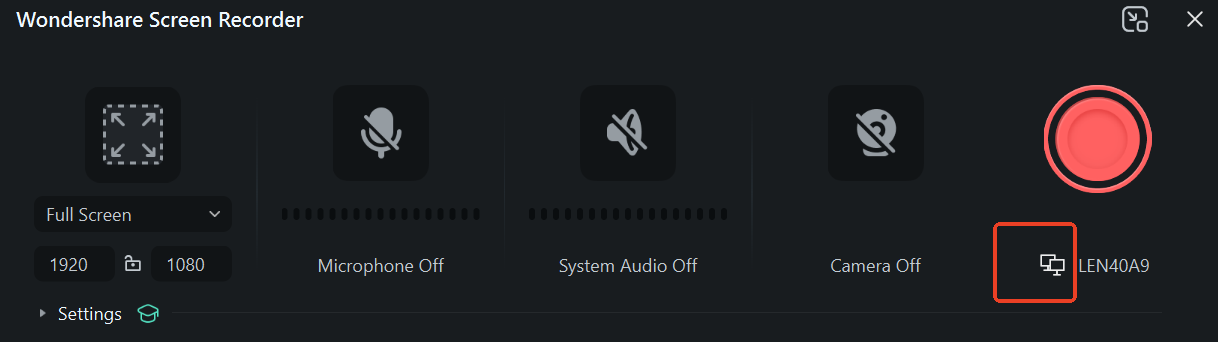
For Windows:
-
Launch the screen recording interface
-
Click the "Switch Screen" button
- The recording source will immediately change to the selected display
Was This Helpful?
Thanks for your feedback.
Can you tell us what didn't work for you?
Email address is optional. Leave it blank if you do not need follow-up.
Feedback sent!