There are 80+ animation presets available in Filmora. Try to create your video!
- Choose an ideal text effect and drag it to the timeline. Double-click it to have the advanced editing options
- Switch to the Animation tab in the Text Editing panel
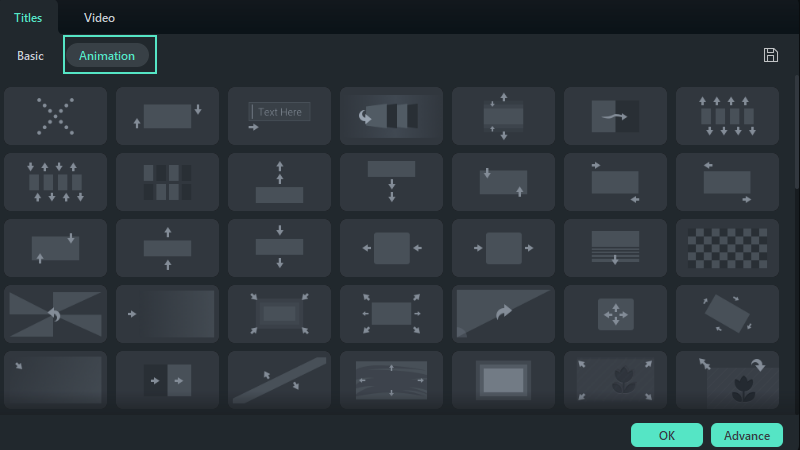
Switch to Animation Tab
- Double-click on the animation you want to try, and watch the Preview window to see what it looks like
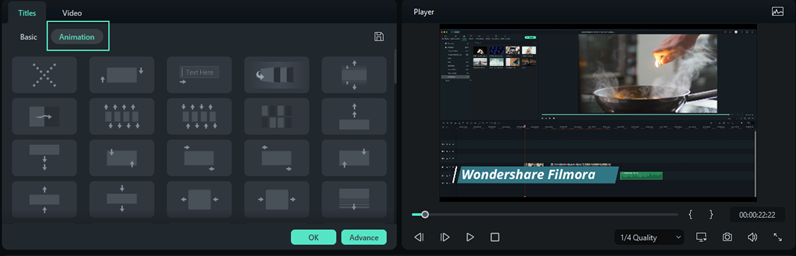
Preview the animation
- Click OK to apply the animation to your title.
For more detailed operations, please click on the following video instructions.
Was This Helpful?
Thanks for your feedback.
Can you tell us what didn't work for you?
Email address is optional. Leave it blank if you do not need follow-up.
Feedback sent!