To create compound clips in Filmora, you can follow the instructions below.
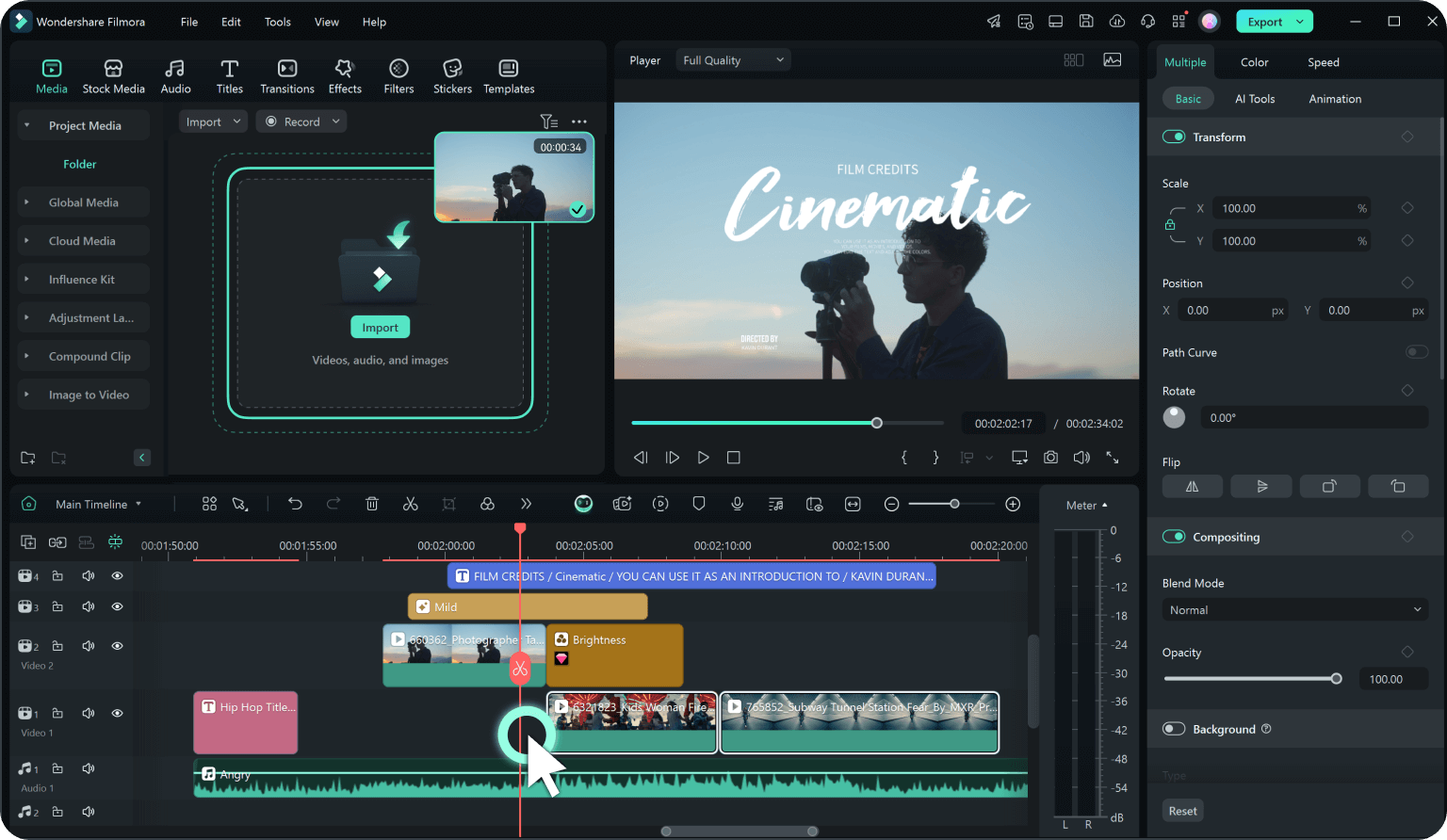
Step 1. Select Your Clips
Press Ctrl and select the video, audio, or image clips you want to group on the timeline.
Step 2. Create a Compound Clip
Right-click the selected clips and choose Create Compound Clip.
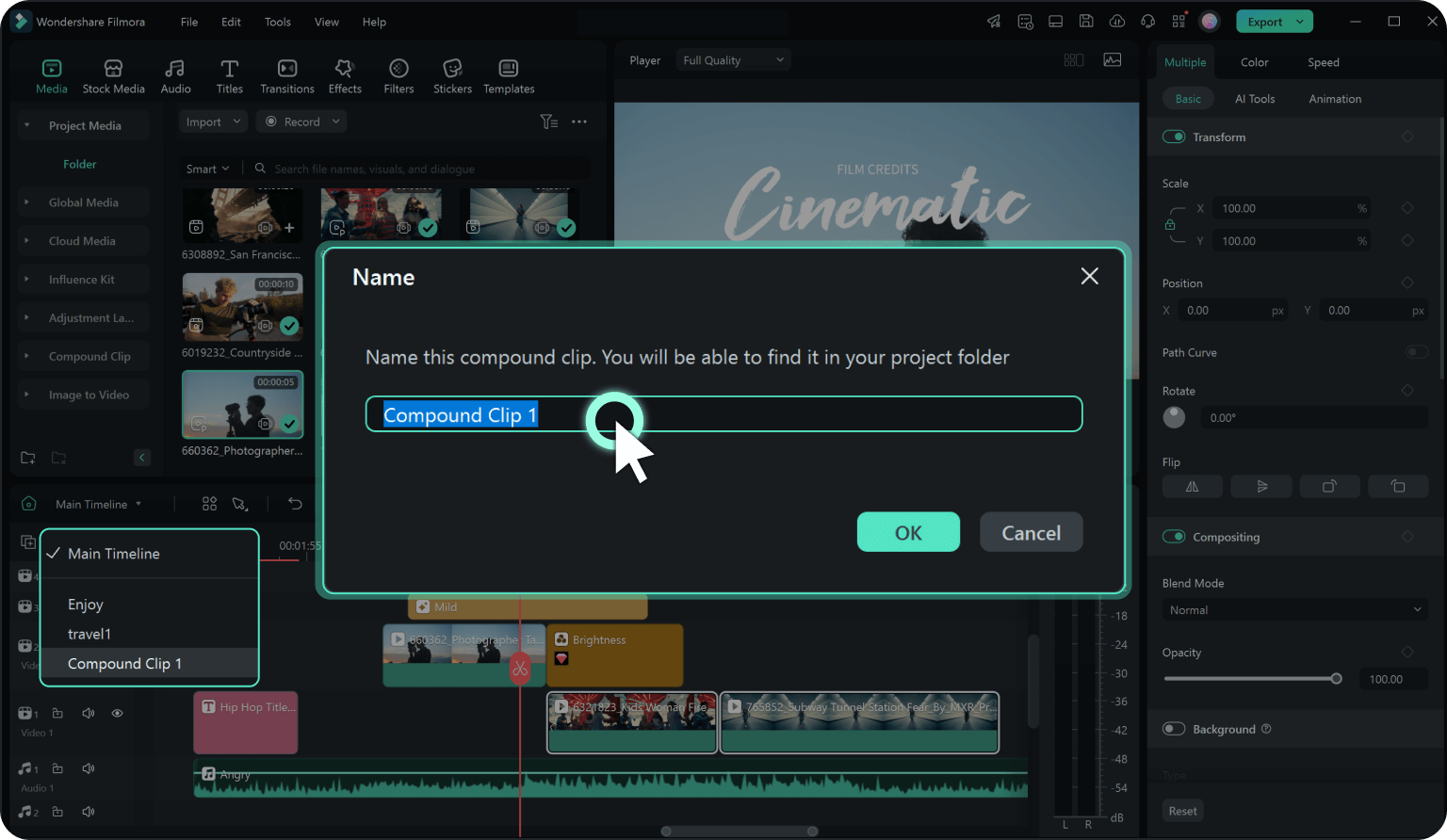
Step 3. Name Your Clip
Assign a clear name for better organization and click OK. A compound clip is created. You can double click the compound clip to make changes or add transitions, animations, or effects to enhance your video project.
For more detailed operations, please click on the following video instructions.
Was This Helpful?
Thanks for your feedback.
Can you tell us what didn't work for you?
Email address is optional. Leave it blank if you do not need follow-up.
Feedback sent!