- Method 1
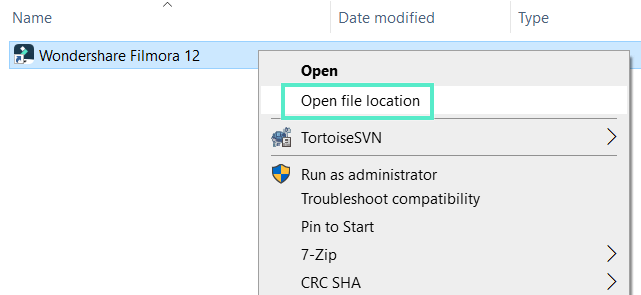
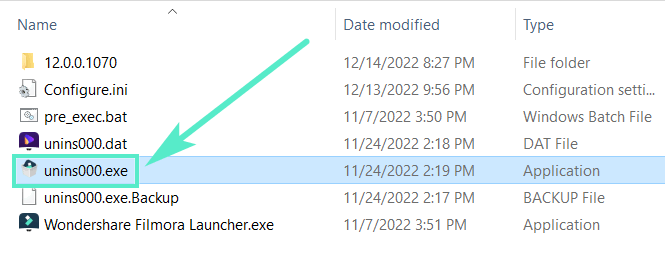
Right-click Filmora icon, click Open File Location and double-click unins000.exe to uninstall.
- Method 2
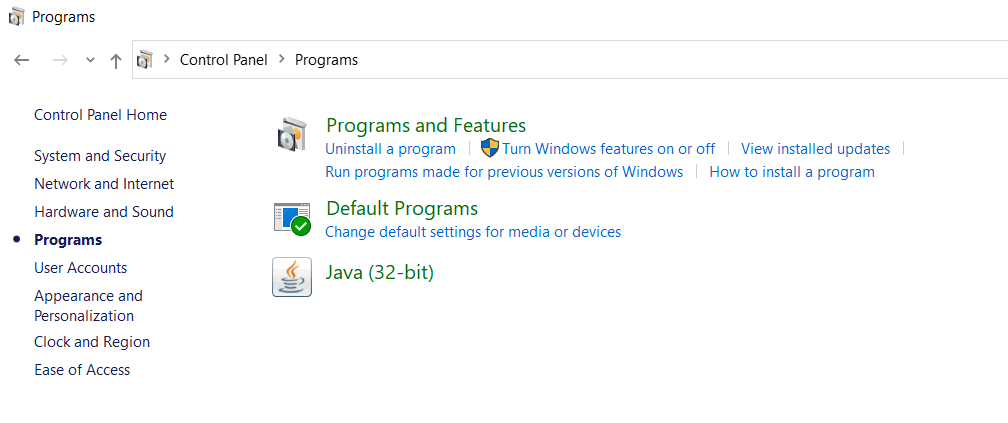
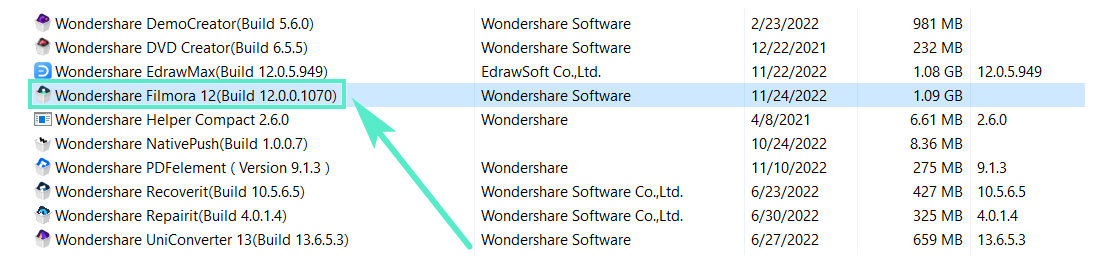
To remove Filmora from your system, go to Control Panel> Programs> Uninstall a program, right-click the Filmora icon and select Uninstall. Once the "Are you sure you want to remove Wondershare Filmora 11 completely and all of its components?" window pops up, click on Yes to continue the uninstallation.
Was This Helpful?
Thanks for your feedback.
Can you tell us what didn't work for you?
Email address is optional. Leave it blank if you do not need follow-up.
Feedback sent!