Your perpetual license purchase included enrollment in the 7-day free trial of Filmora Creative Assets. This is a separate subscription providing access to premium content marked with pink diamond icons.
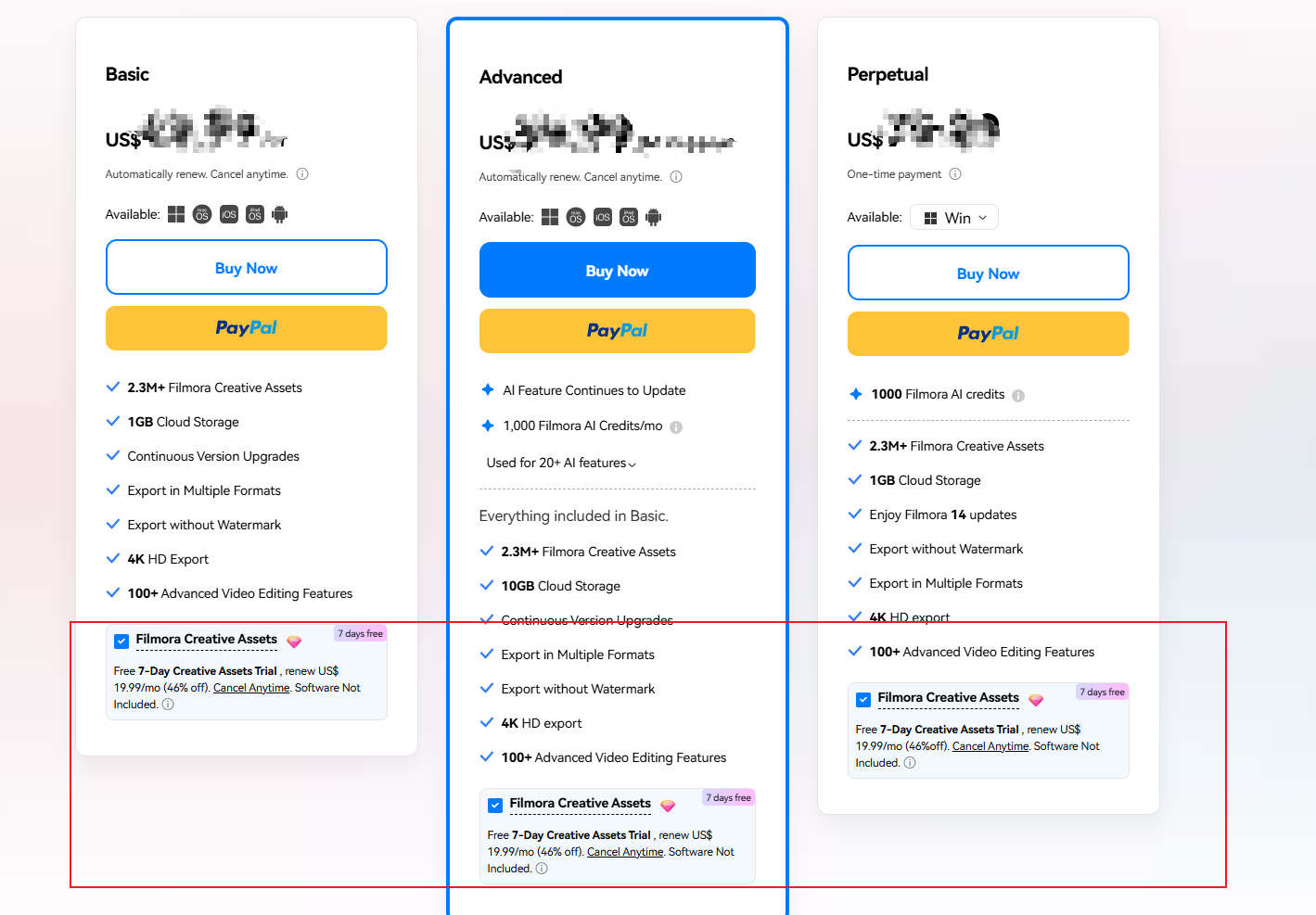
The Filmora Creative Assets plan is designed to provide users with access to all additional resources for their video editing projects. By subscribing to the Filmora Creative Assets plan, users can unlock a wide range of video effects, transitions, titles, and audio files that can be used to enhance their videos and make them more engaging and professional-looking. Believe you've seen the icons adorned with pink diamonds. The utilization of a resource with a pink diamond necessitates possession of Filmora Creative Assets.
Subscription Management Guide
To Cancel Auto-Renewal:
-
Access Account Portal
-
Login to Wondershare Account Center
-
-
Navigate to Subscriptions
-
Select "Plan & Products"
-
Choose "My Subscriptions"
-
-
Initiate Cancellation
-
Click "Manage Plan" → "Cancel Subscription"
-
Select your reason → "Continue"
-
Follow the final confirmation steps
-
Key Notes:
-
Cancellation stops auto-renewal and stops access to Filmora Creative Assets immediately.
-
Perpetual license functionality remains unaffected
- Canceling a subscription during the trial period will not incur any charges.
- If charges have already been incurred after the trial period, canceling the subscription will only prevent further charges. Whether the incurred charges are refundable depends on the refund policy.
Was This Helpful?
Thanks for your feedback.
Can you tell us what didn't work for you?
Email address is optional. Leave it blank if you do not need follow-up.
Feedback sent!