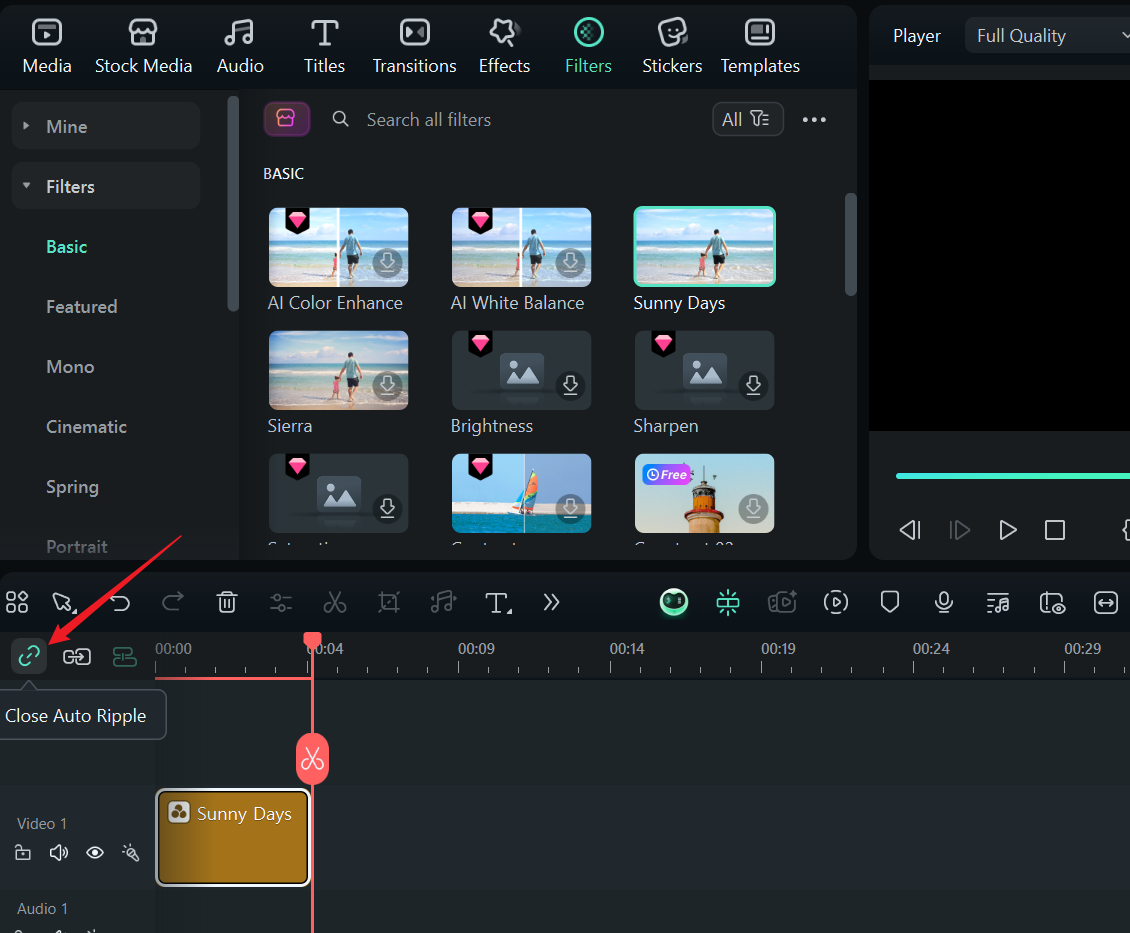
Default Behavior (Auto Ripple Enabled):
When you delete a clip from your timeline:
-
All subsequent clips (to the right) automatically shift left
-
This eliminates gaps and maintains timeline continuity
-
Ideal for most editing workflows where you want seamless transitions
With Auto Ripple Disabled:
-
Deleted clips leave empty space in the timeline
-
Subsequent clips maintain their original positions
-
Useful when you need precise timing (e.g., music videos or synchronized multi-cam edits)
Was This Helpful?
Thanks for your feedback.
Can you tell us what didn't work for you?
Email address is optional. Leave it blank if you do not need follow-up.
Feedback sent!