Adjust the Sequence of Clips in the Timeline
Once you’re inside Filmora’s Work Area, the clips you want to rearrange will be in the Timeline, regardless of whether you’ve imported multiple videos or cut one lengthier clip into numerous short segments. You can adjust their sequence by following this short guide:
1. Scroll the Timeline and find a clip you want to move. Then, press on it and hold.
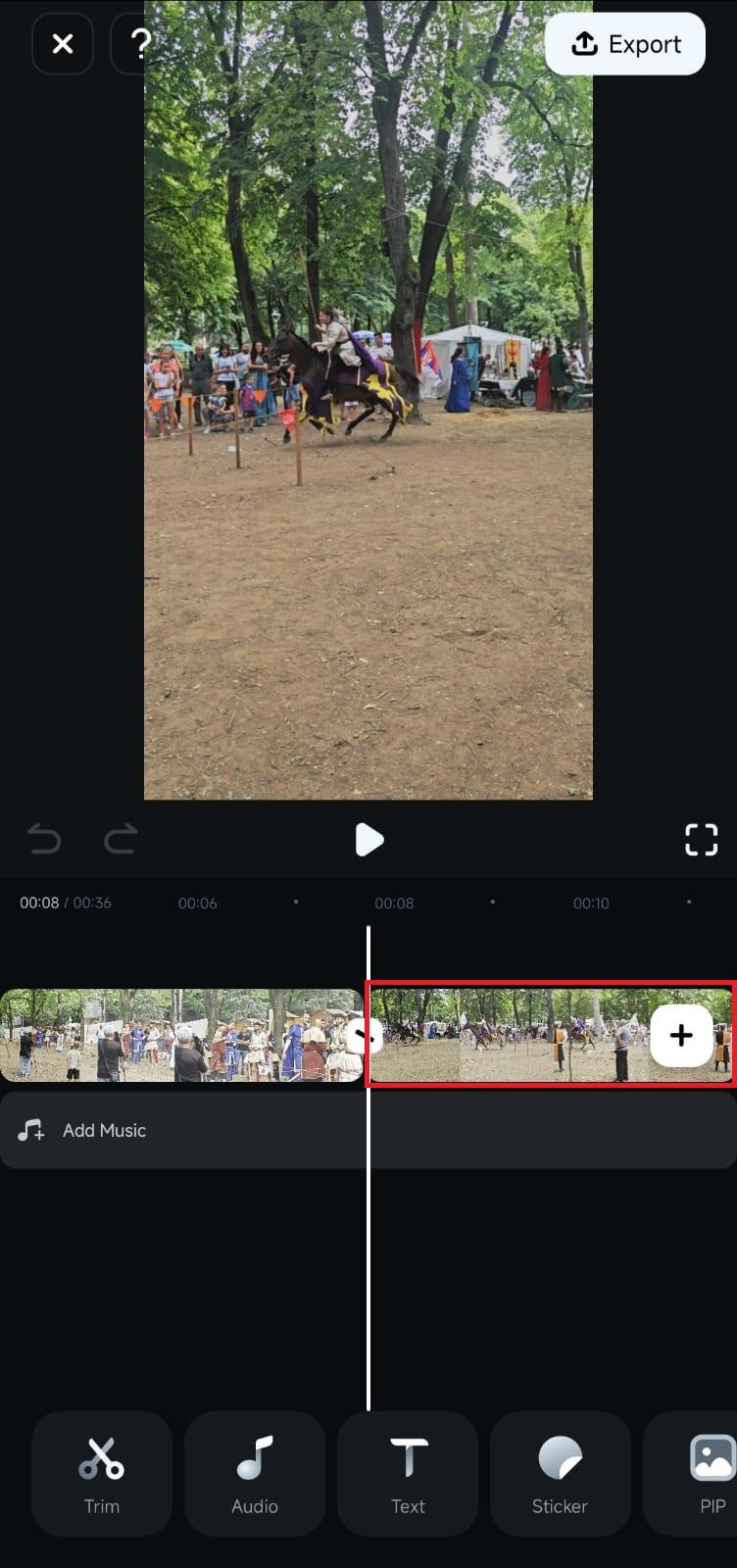
2. Drag the clip to the left if you want to move it closer to the beginning of the video and release it. Alternatively, move it to the right to put it later in the sequence.
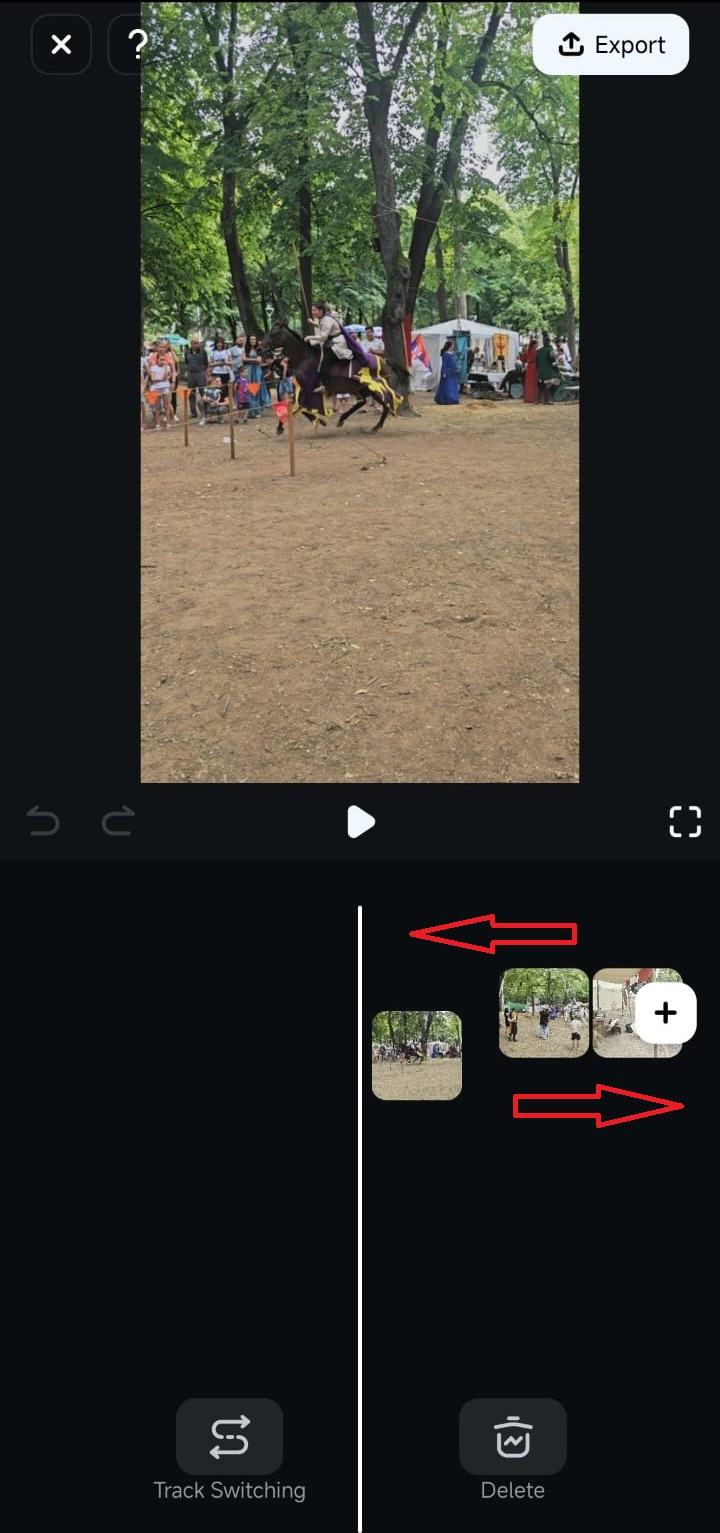
Note: You should always preview the video after adjusting the sequence of clips, and that’s especially important if you’ve applied transitions between the clips.
Was This Helpful?
Thanks for your feedback.
Can you tell us what didn't work for you?
Email address is optional. Leave it blank if you do not need follow-up.
Feedback sent!