Once you import media to the Wondershare Filmora app,here's a step-by-step guide on how to add an effect to your video clipss:
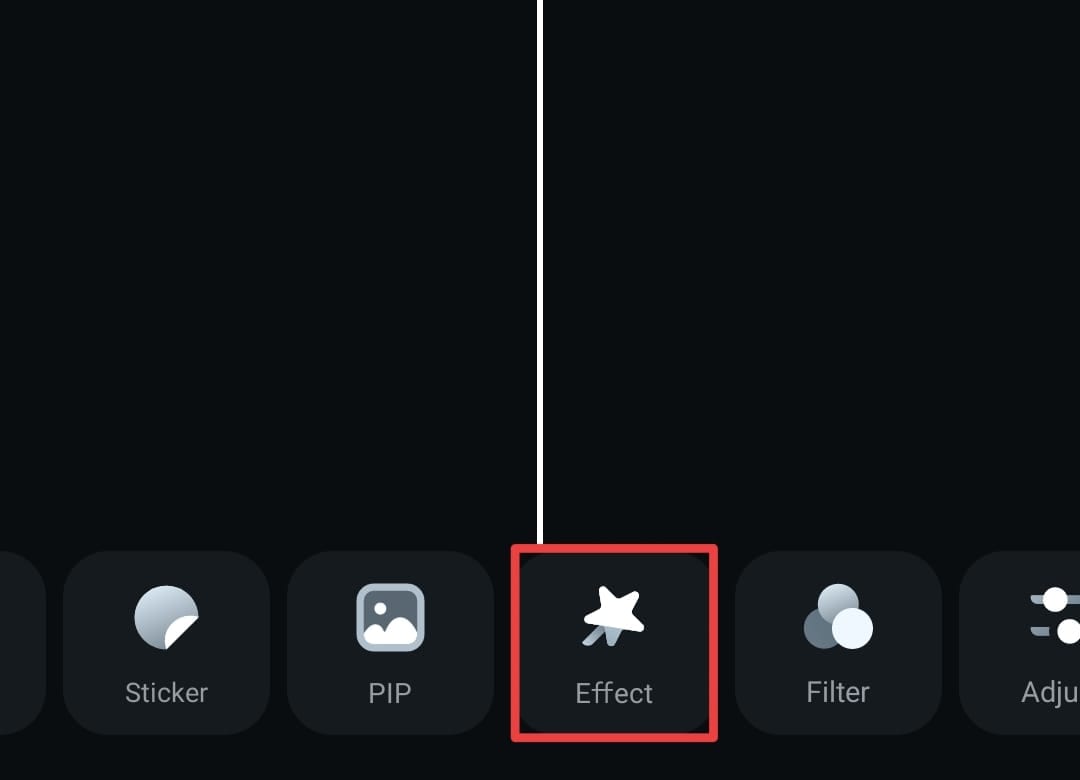
- Tap the Effect option from the Toolbar at the bottom of the screen.
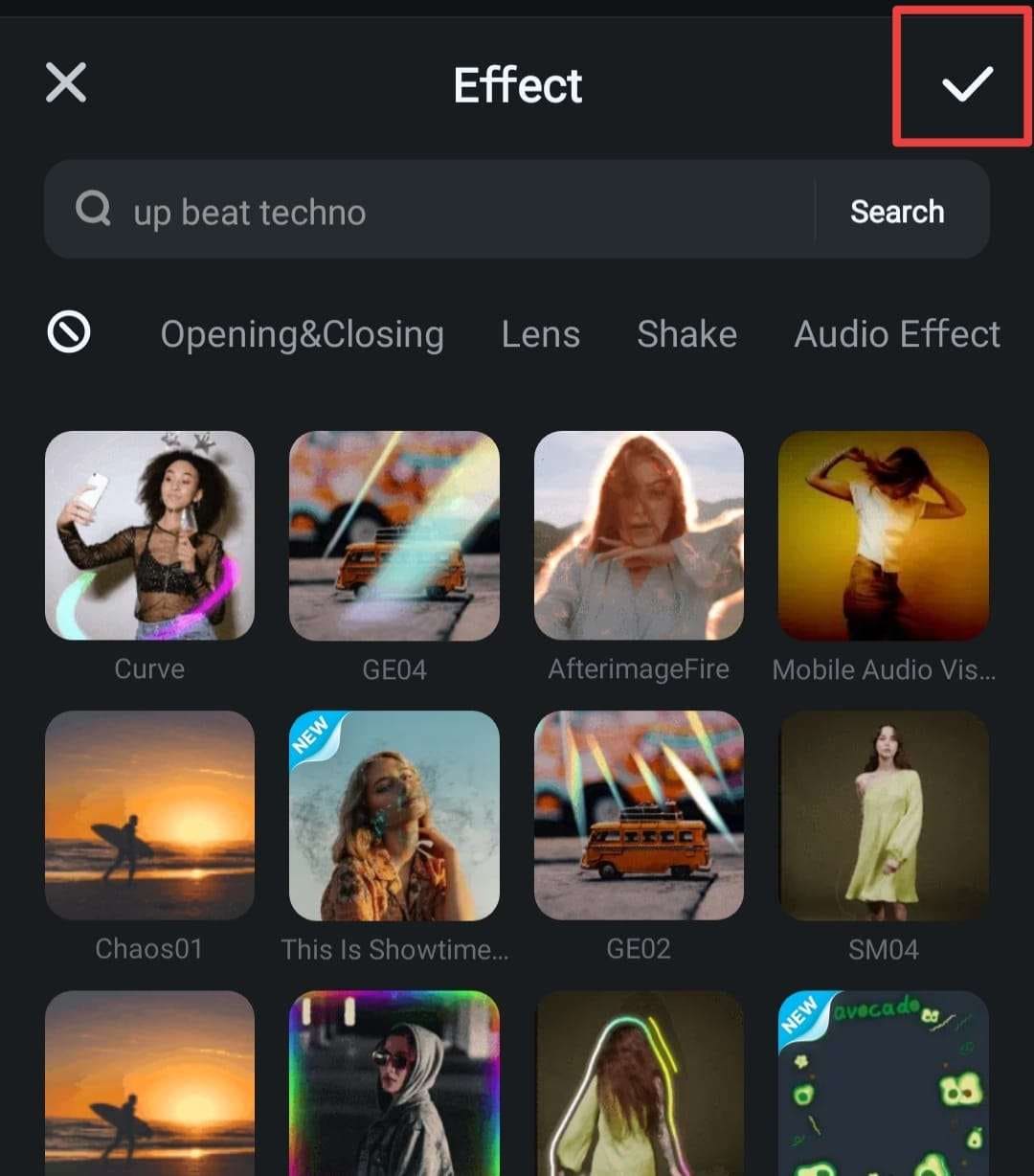
- Next, select the effect you want to add to your video. You can use the search bar to filter and discover specific effects.

- Preview the results.
- Tap the Checkmark icon to apply the effect to your video.
Was This Helpful?
Thanks for your feedback.
Can you tell us what didn't work for you?
Email address is optional. Leave it blank if you do not need follow-up.
Feedback sent!