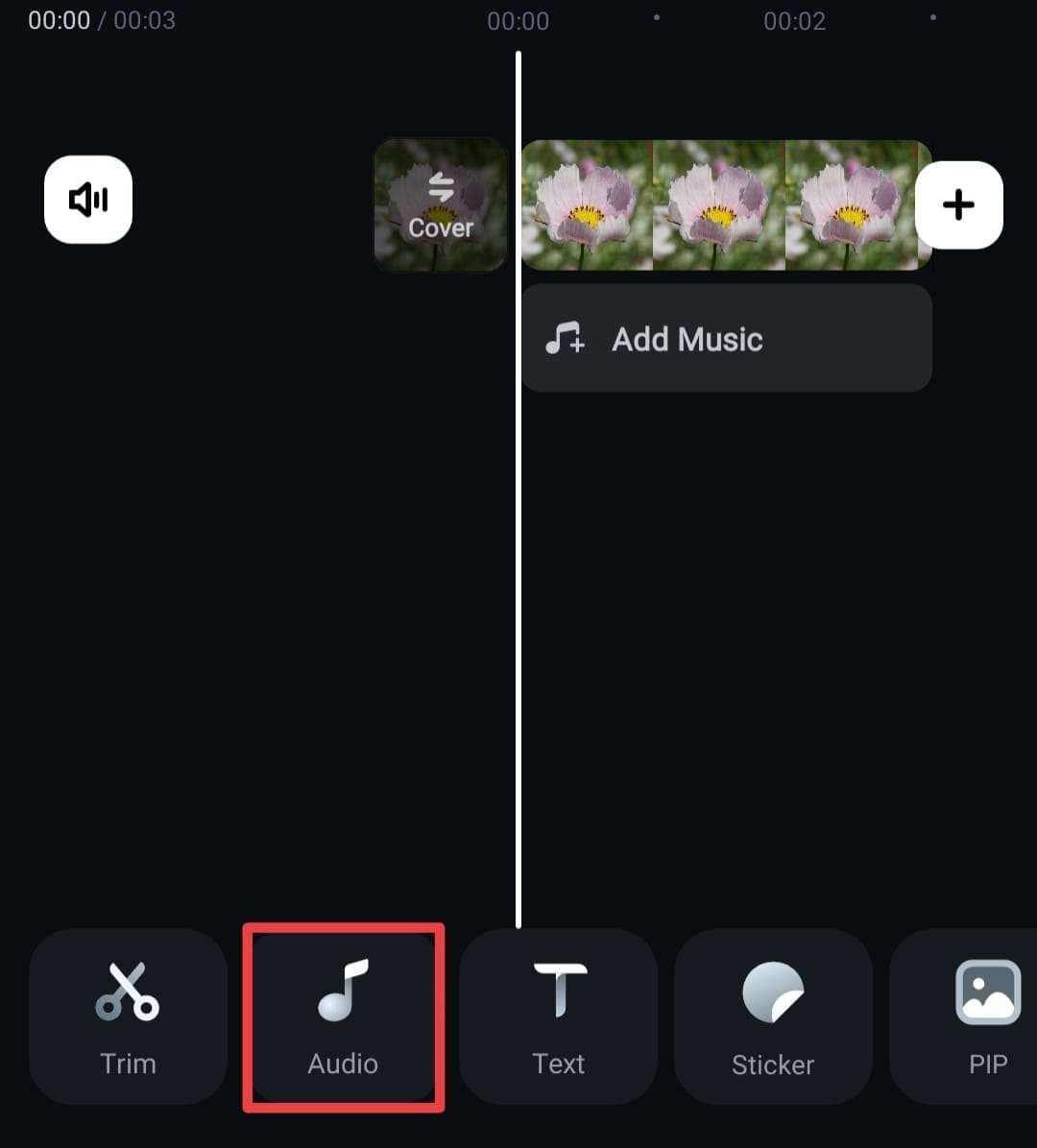
After importing your video clips into Filmora, please find the Audio in the built-in toolbar.
Then select the sound FX.
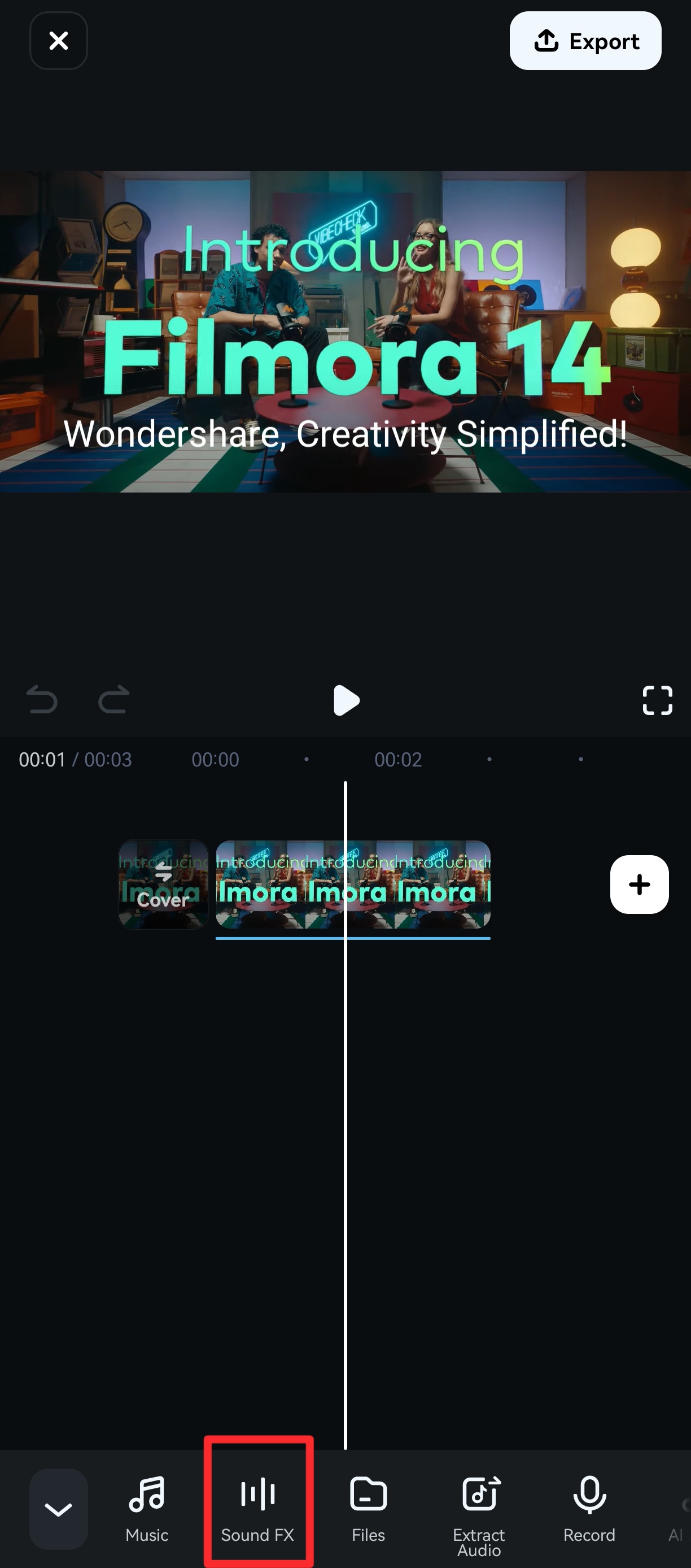
Click to download and preview the sound. Once downloaded, tap the + next to the effect, and it'll automatically appear on your timeline.

Was This Helpful?
Thanks for your feedback.
Can you tell us what didn't work for you?
Email address is optional. Leave it blank if you do not need follow-up.
Feedback sent!