Once you add music to your video, you can customize your experience in several ways, such as the ones presented below:
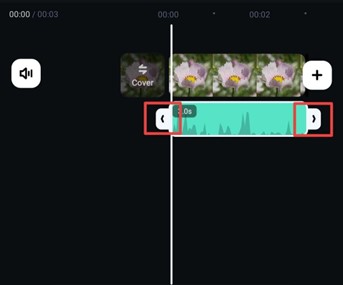
Drag the corners of your track to adjust the duration and music placement.
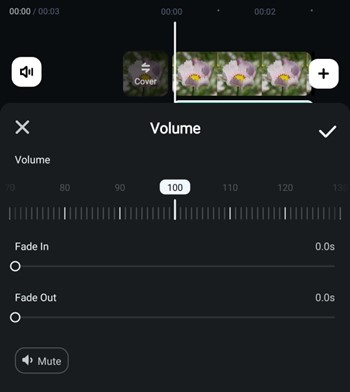
Tap Volume from the bottom bar to add the Fade In and Fade Out effects, and choose how loud you want the music to be.
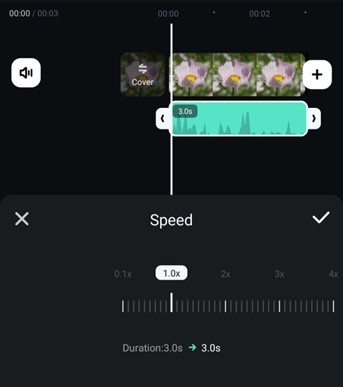
Use the Speed option to slow down or speed up the sound.
Was This Helpful?
Thanks for your feedback.
Can you tell us what didn't work for you?
Email address is optional. Leave it blank if you do not need follow-up.
Feedback sent!