Extract Audio
Once you import the video, follow the steps below to learn how to extract the audio track:
- Tap the Audio option from the Toolbar.
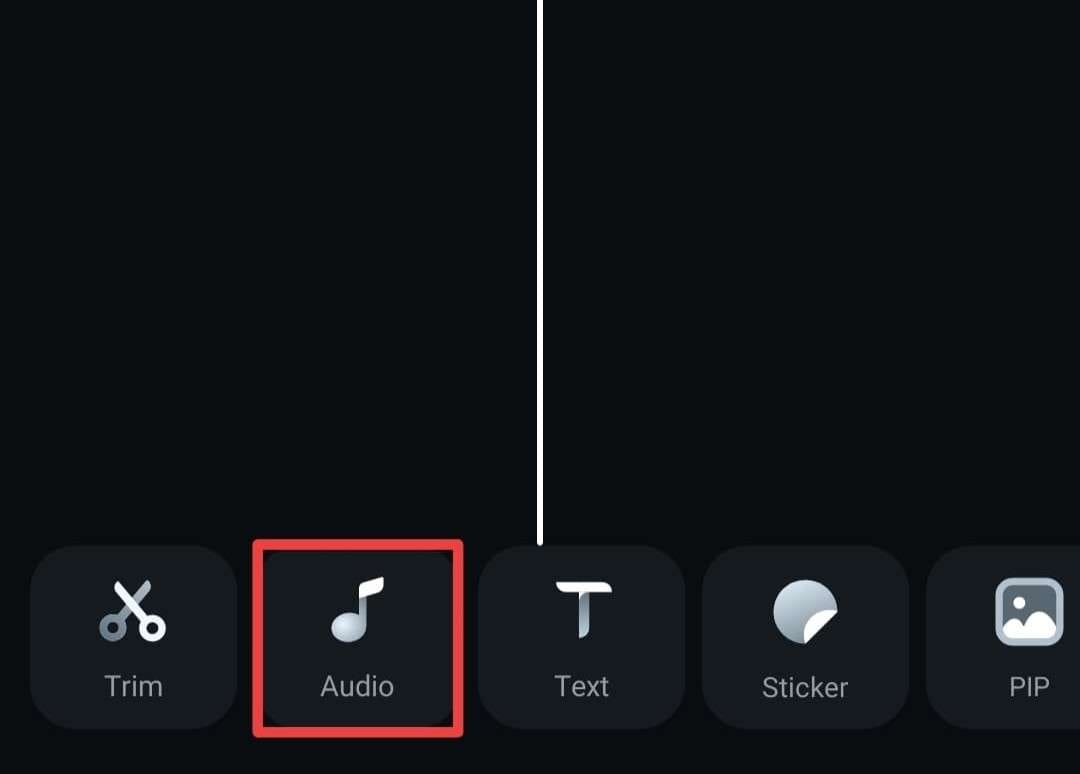
- Select Extract Audio from the same bar.
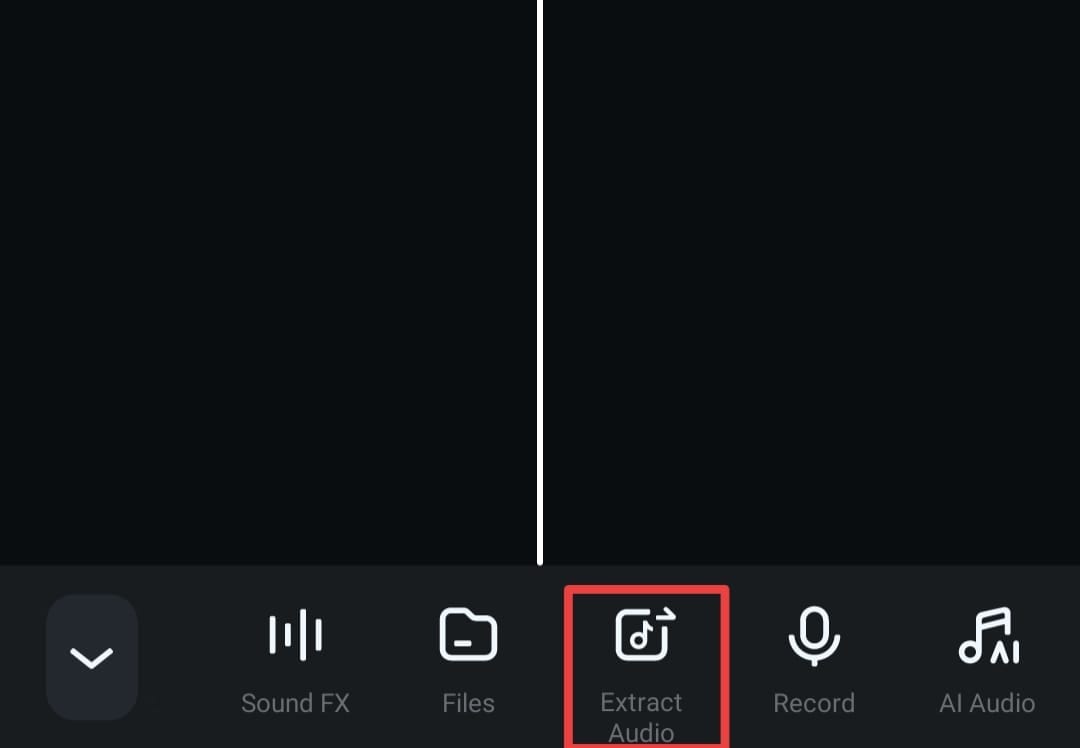
- Tap the Extract Audio button again in the next window.

- Select your audio track from the library.

Add Audio to the Timeline
After extracting the audio file, follow these steps to bring it to the timeline:
- Tap the Extract Audio option from the Toolbar.
- Tap the blue + icon next to the desired track.

This will automatically add the track to the timeline.
For more detailed operations, please click on the following video instructions.
Was This Helpful?
Thanks for your feedback.
Can you tell us what didn't work for you?
Email address is optional. Leave it blank if you do not need follow-up.
Feedback sent!