To use the Speech-to-Text (STT) feature in Filmora mobile, please follow the steps below:
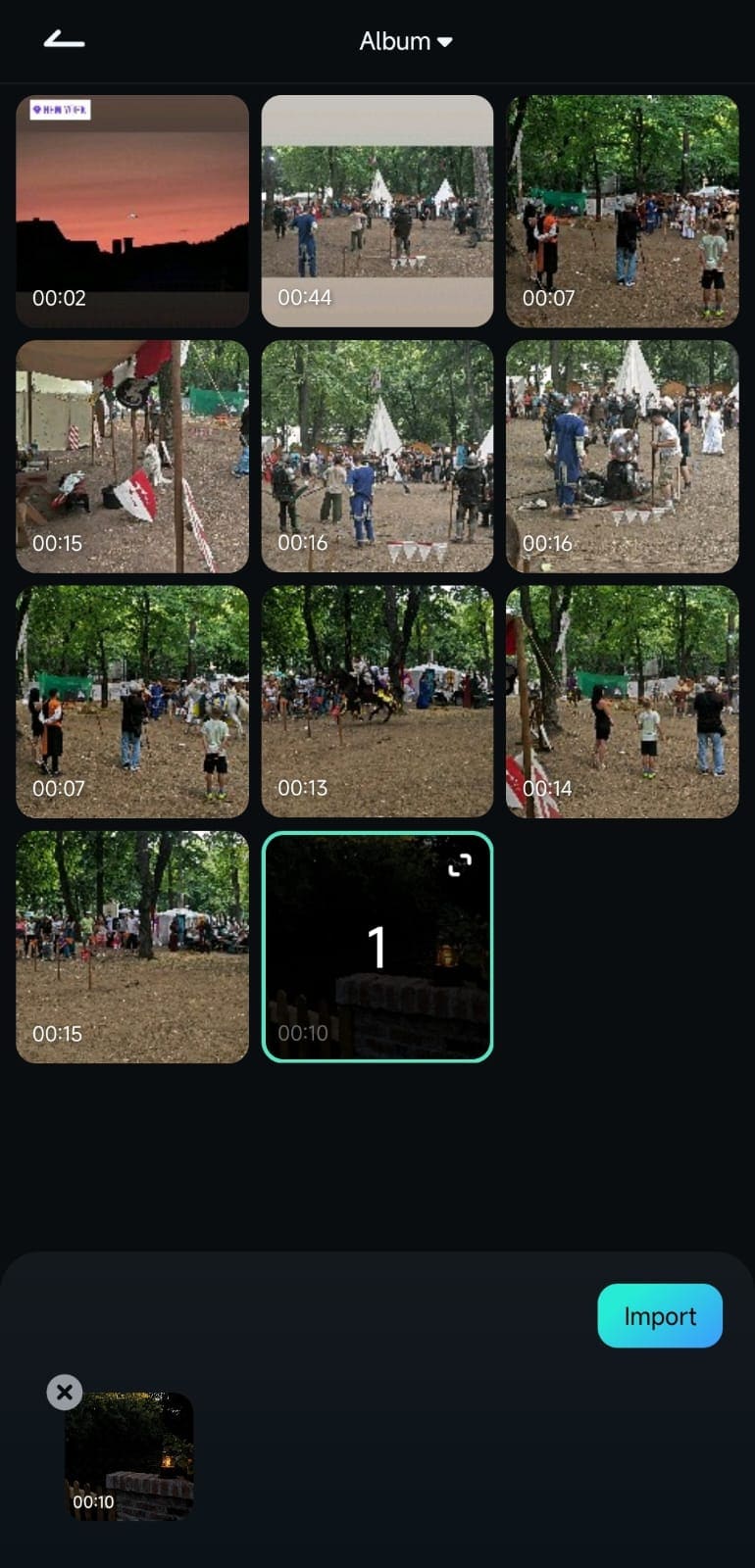
1. Add a video with an audio track by selecting it in the import menu and clicking the Import button at the bottom of the screen.
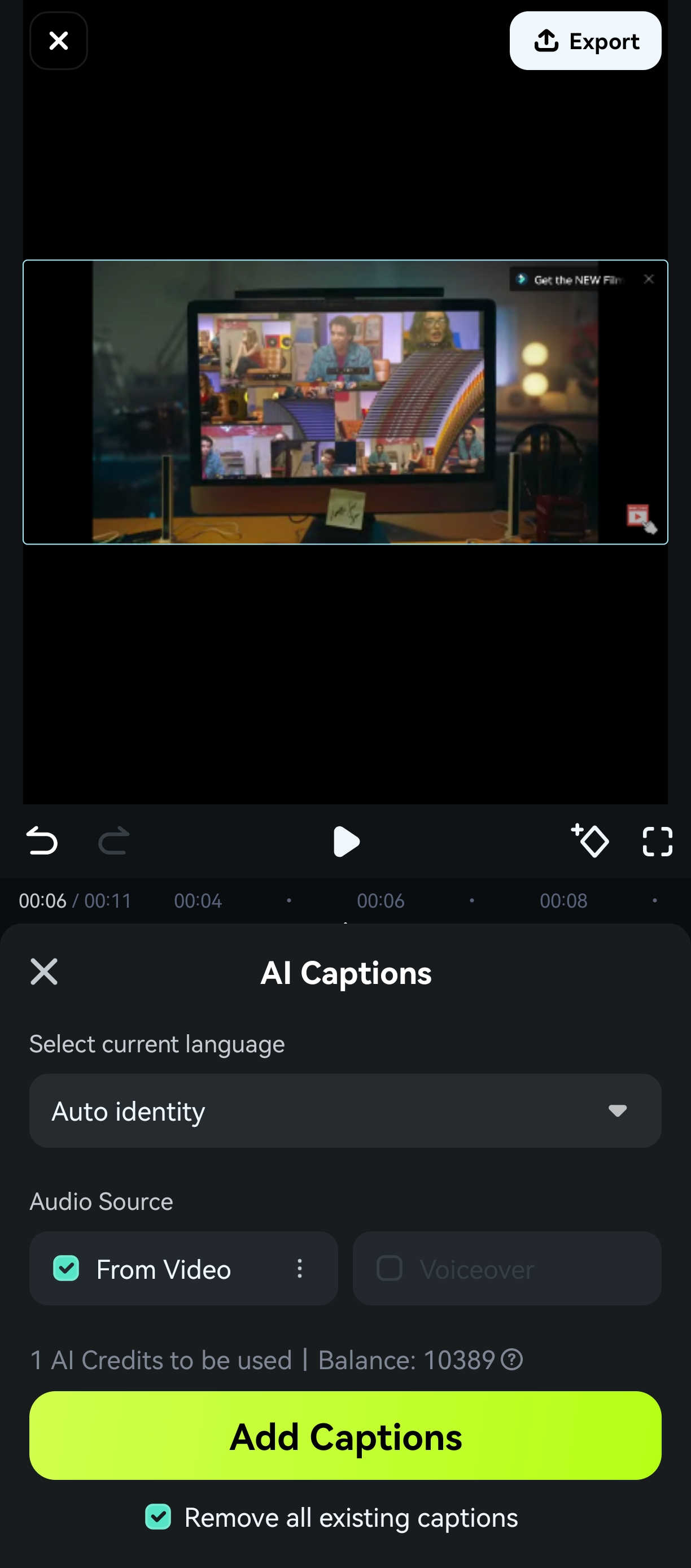
2. Select the video clip and find AI Captions in the toolbar below.

3. In the language selection, you can choose Auto identity or directly select the language in your video. Then click Add Captions to start generating subtitles.
4.popup window will show that Filmora is generating text. Once it finishes, you should play the clip in the Preview Window to check the AI-generated captions.
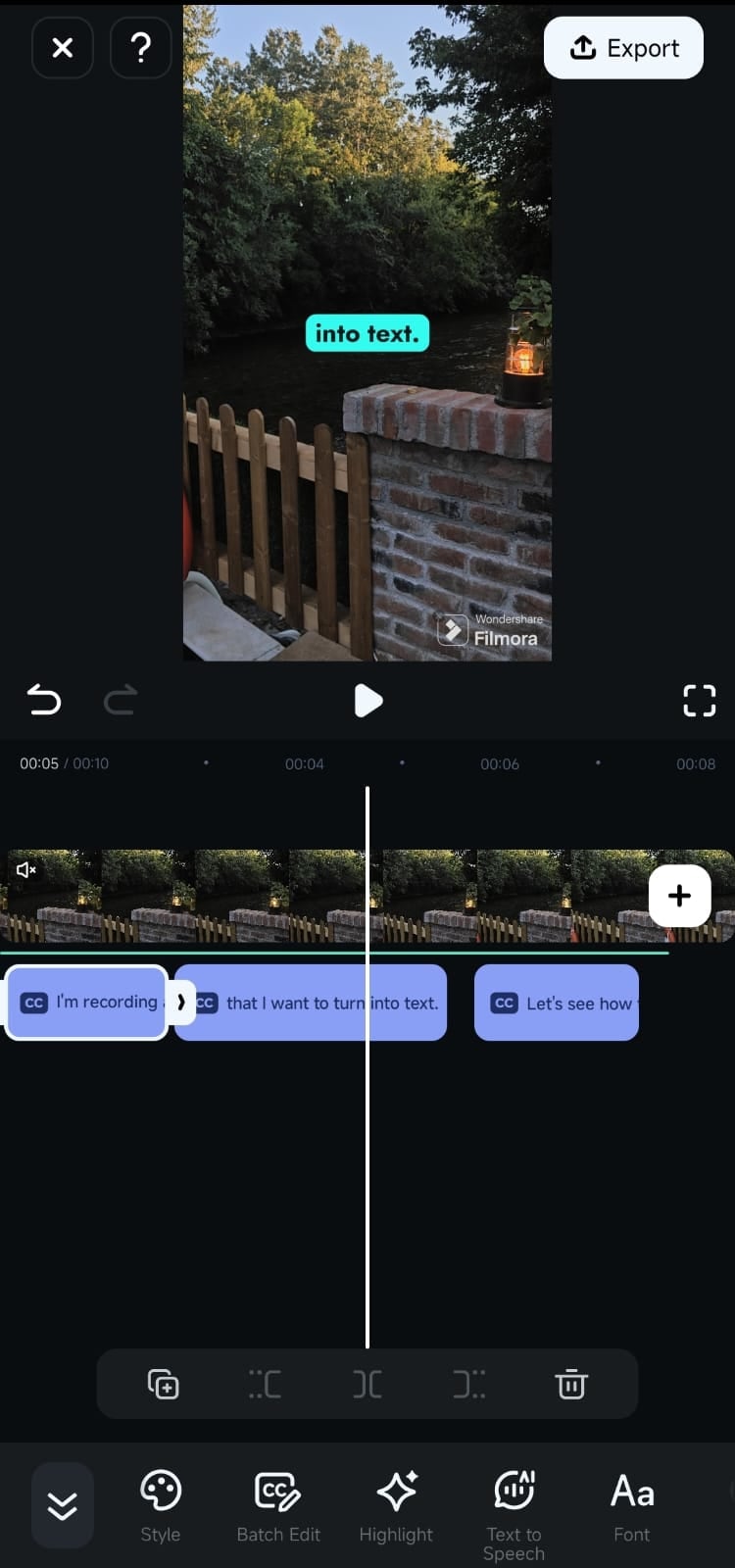
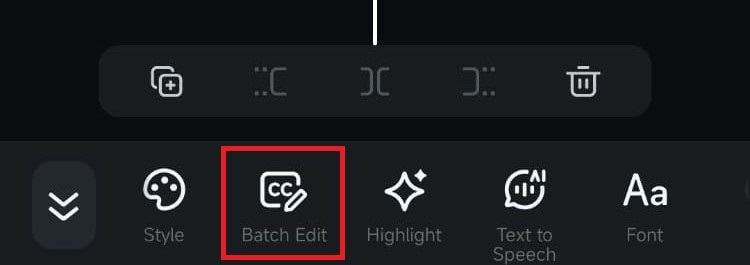
5. If there are any mistakes, tap the Batch Edit button in the Toolbar to fix them.
Was This Helpful?
Thanks for your feedback.
Can you tell us what didn't work for you?
Email address is optional. Leave it blank if you do not need follow-up.
Feedback sent!