Replace a Video in Filmora
Hitting the Replace button will take you to the app’s Import menu, where you’ll need to find and select a video to replace the original clip with:
1. Tap a clip you want to add as a replacement and hit Import.
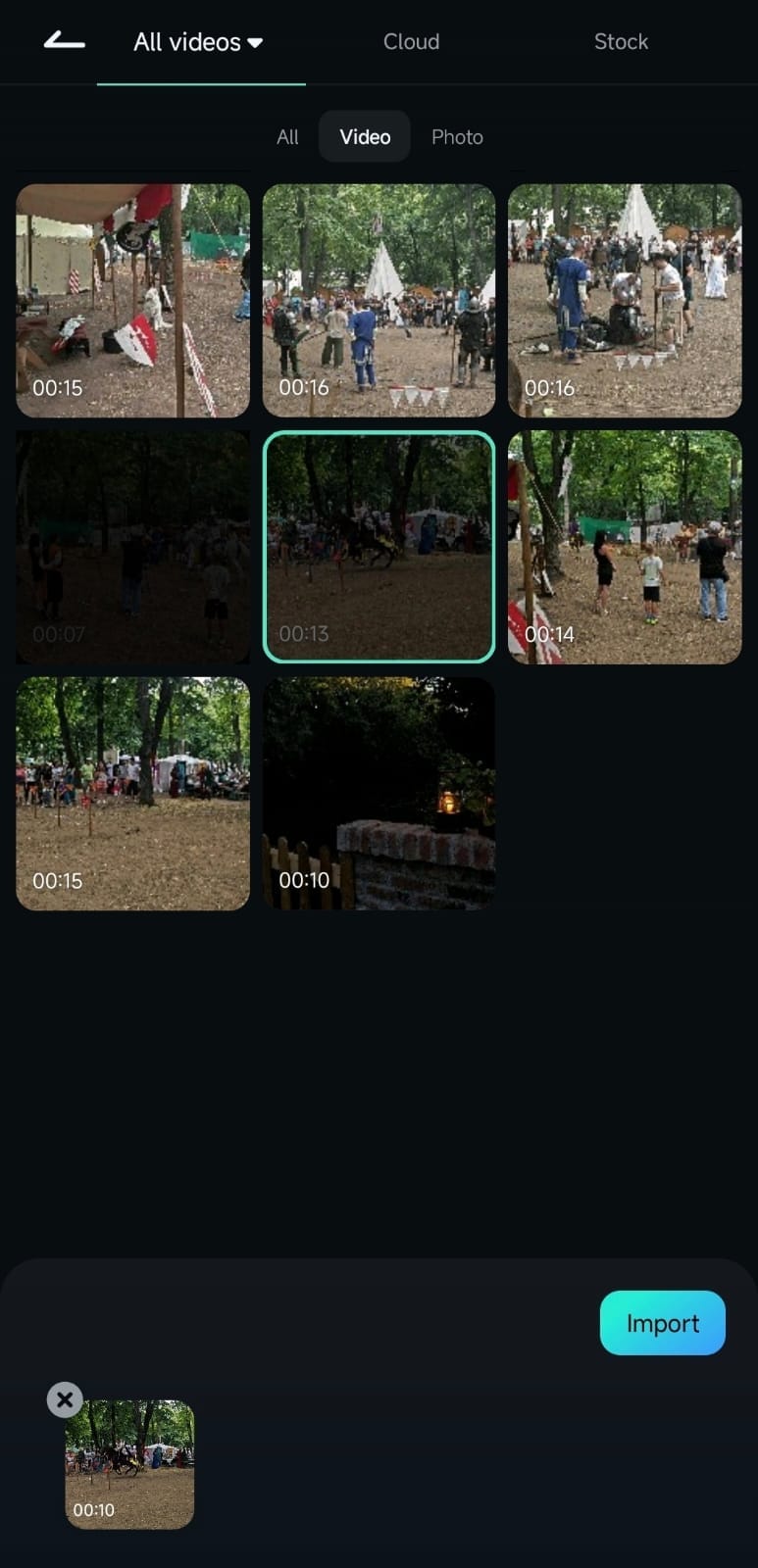
2. Drag the sides of the replacement video to adjust the clip’s beginning and end.
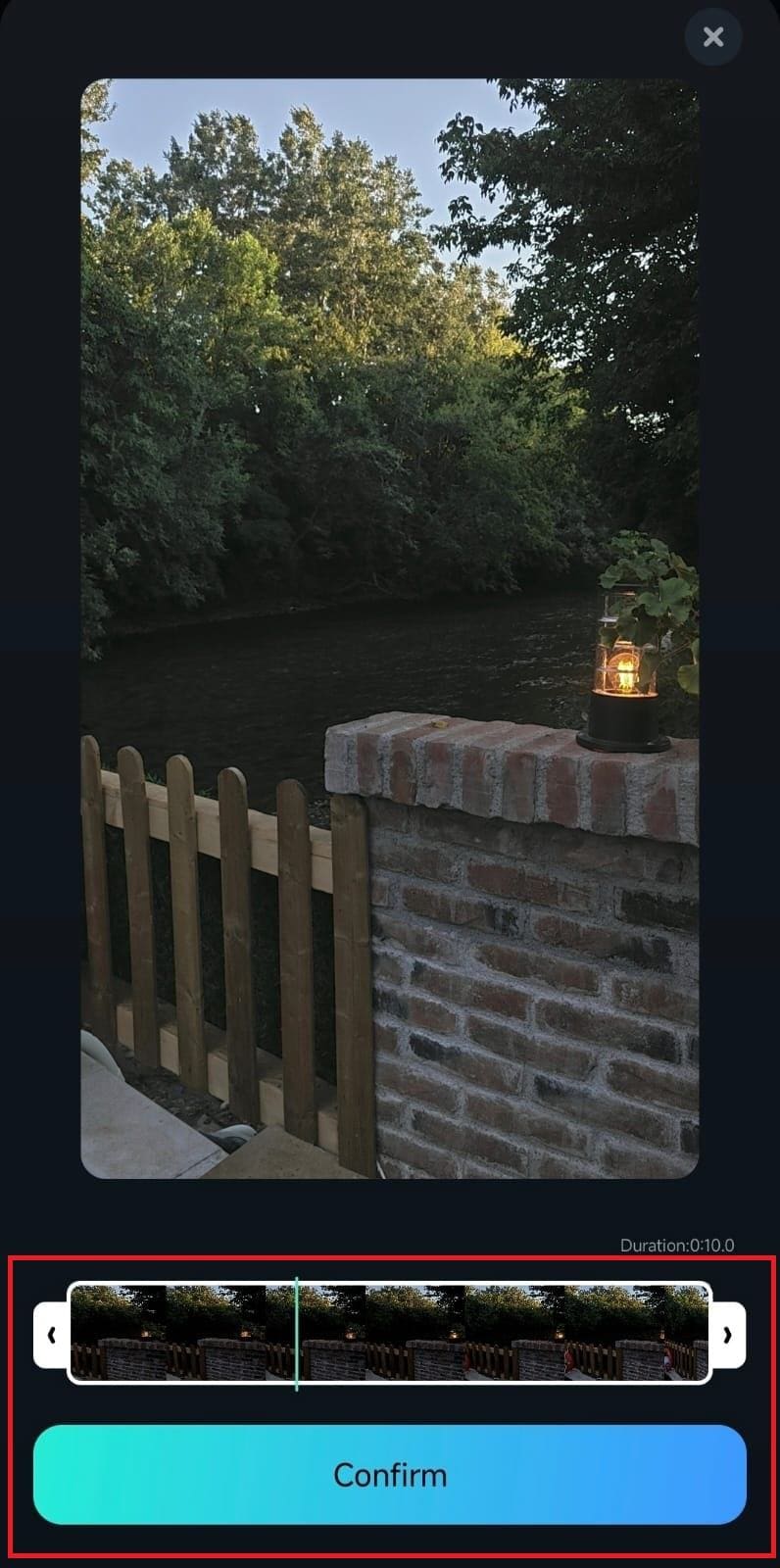
3. Once you’ve adjusted the starting and ending points, tap Confirm, and Filmora will replace the original video without losing the editing effects you’ve applied.
Was This Helpful?
Thanks for your feedback.
Can you tell us what didn't work for you?
Email address is optional. Leave it blank if you do not need follow-up.
Feedback sent!