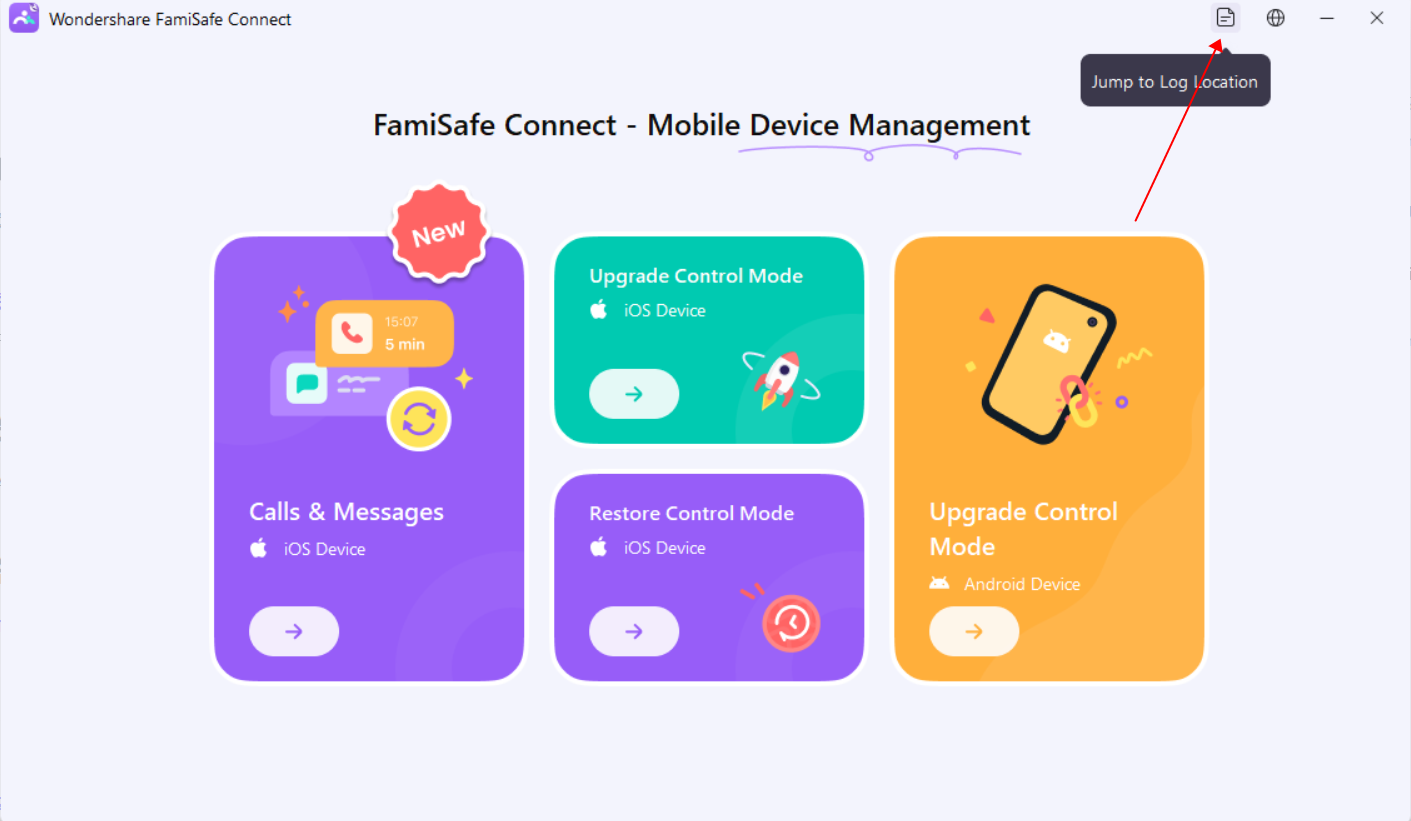
Follow these steps to retrieve log files from FamiSafe Connect on Windows and Mac:
- For Windows: Locate the log files at C:\ProgramData\Wondershare\FamiSafe Connect
- For Mac: Access log files at ~/.config/Wondershare/FamiSafeConnect
Note: On the Windows platform, you can directly obtain logs from the FamiSafe Connect interface. However, on the Mac platform, logs can only be obtained from the specified path for now.
Was This Helpful?
Thanks for your feedback.
Can you tell us what didn't work for you?
Email address is optional. Leave it blank if you do not need follow-up.
Feedback sent!