Solution 1:
Enter famisafe://ws.com?uploadlog=1 in the browser on the iOS device to launch the FamiSafe app to report the log.


Solution 2:
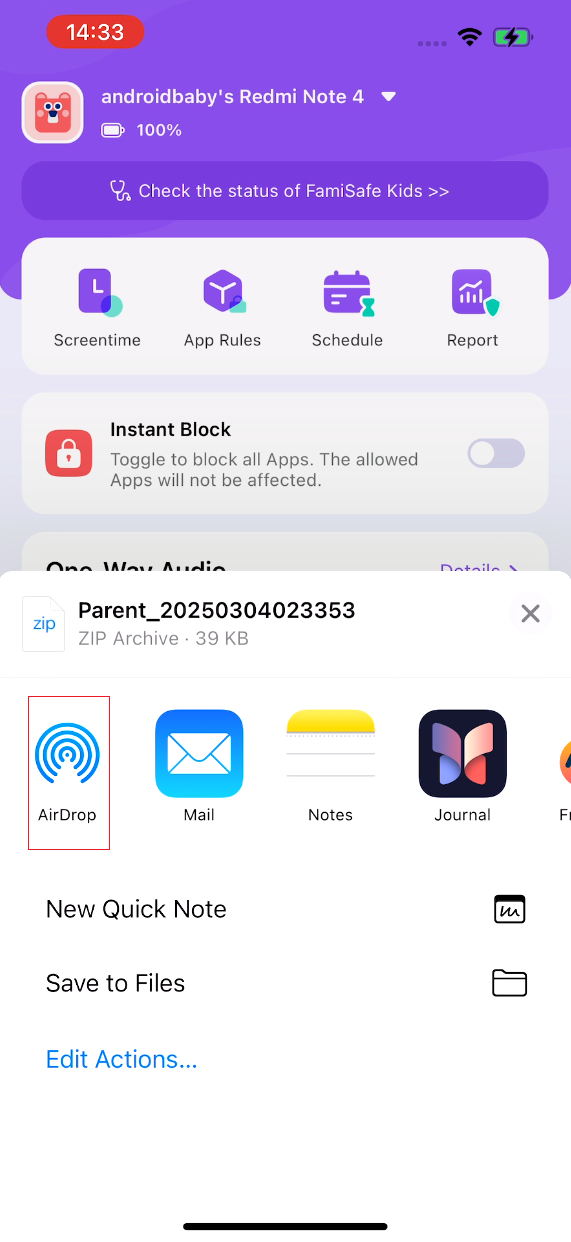
If FamiSafe pops up a window to remind you that the log upload failed, please enter famisafe://ws.com?sharelog=1 in the browser to launch the FamiSafe app, and the system log sharing page will pop up. You can share the log to your local computer via airdrop or other apps that support zip files.

Was This Helpful?
Thanks for your feedback.
Can you tell us what didn't work for you?
Email address is optional. Leave it blank if you do not need follow-up.
Feedback sent!