Step 1: Obtain the computer device you want to supervise and visit https://famisafeapp.wondershare.com/install.html to download the Wondershare Fammy software that is compatible with your device type.
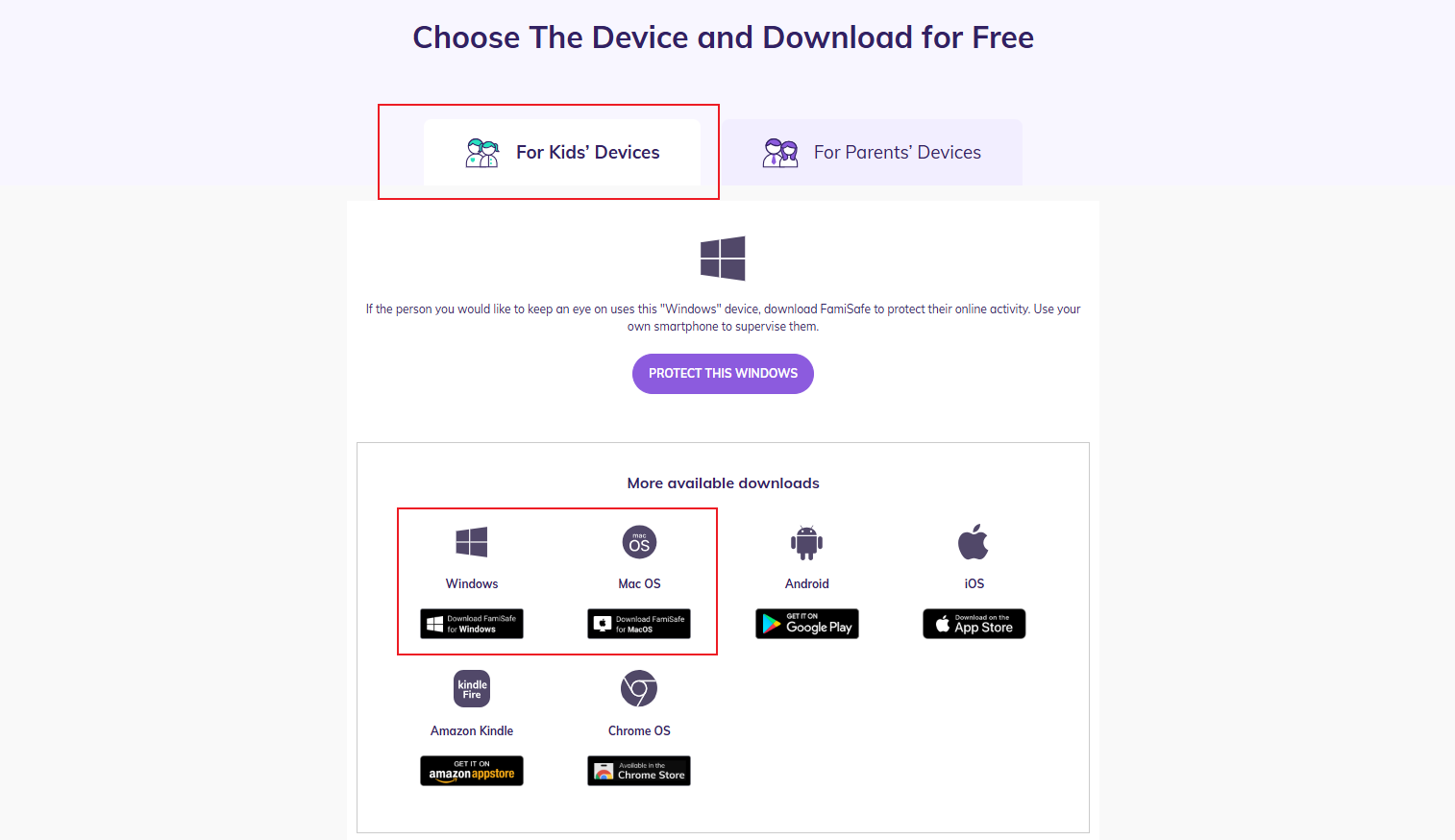
Step 2: After the download is complete, double-click the Fammy-Blocksite installer.
Step 3: Once the installation is successful, please locate the pairing code for the computer on the parent's end (do not confuse it with the matching code for the mobile phone), and enter it into the interface on the child's end.
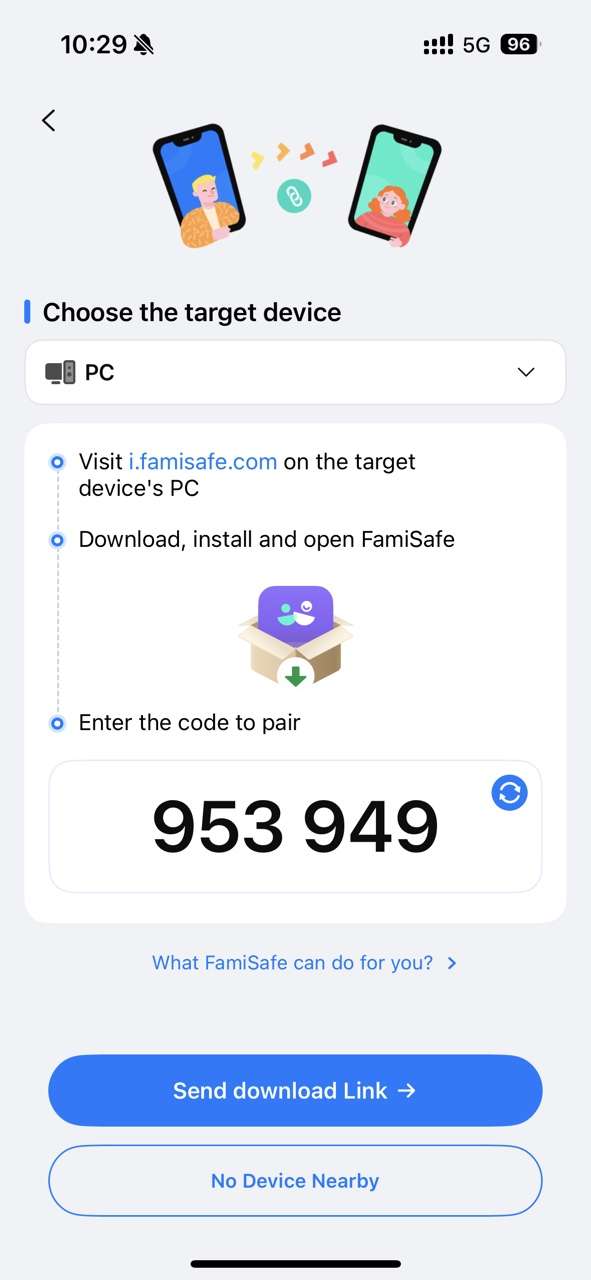
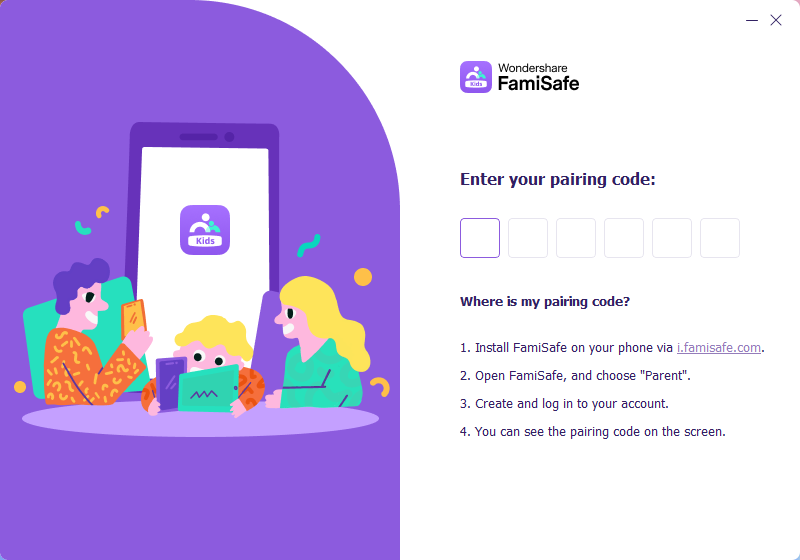
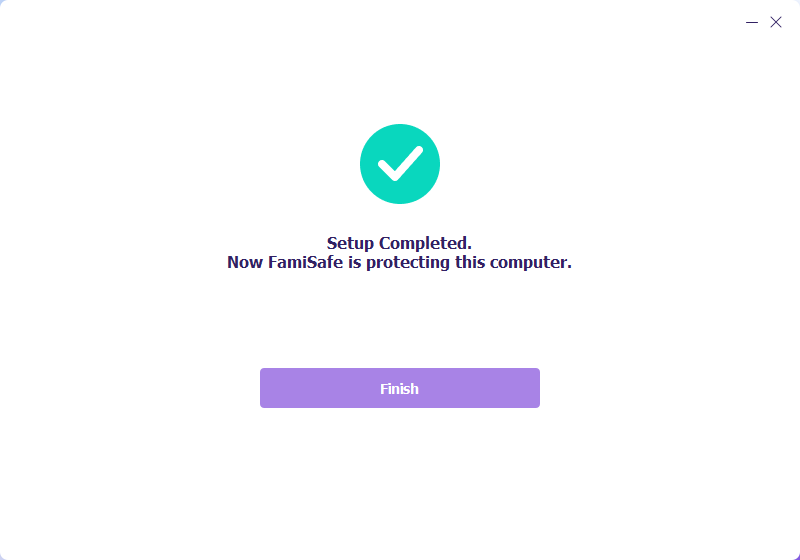
Step 4: You may need to re-enter the basic information of the child, and we will use the information from your most recent entry as the result. Now your kid' PC is set up with FamiSafe's parental controls.
Was This Helpful?
Thanks for your feedback.
Can you tell us what didn't work for you?
Email address is optional. Leave it blank if you do not need follow-up.
Feedback sent!