Before you start connect a device, you need to have access to the device you wish to control and download Fammy-Blocksite on that device. FamiSafe offers comprehensive management and control solutions for a wide range of devices, including iPhone, iPad, Android phones, tablets, Windows computers, Mac computers, Chromebooks, and Kindle Fire.
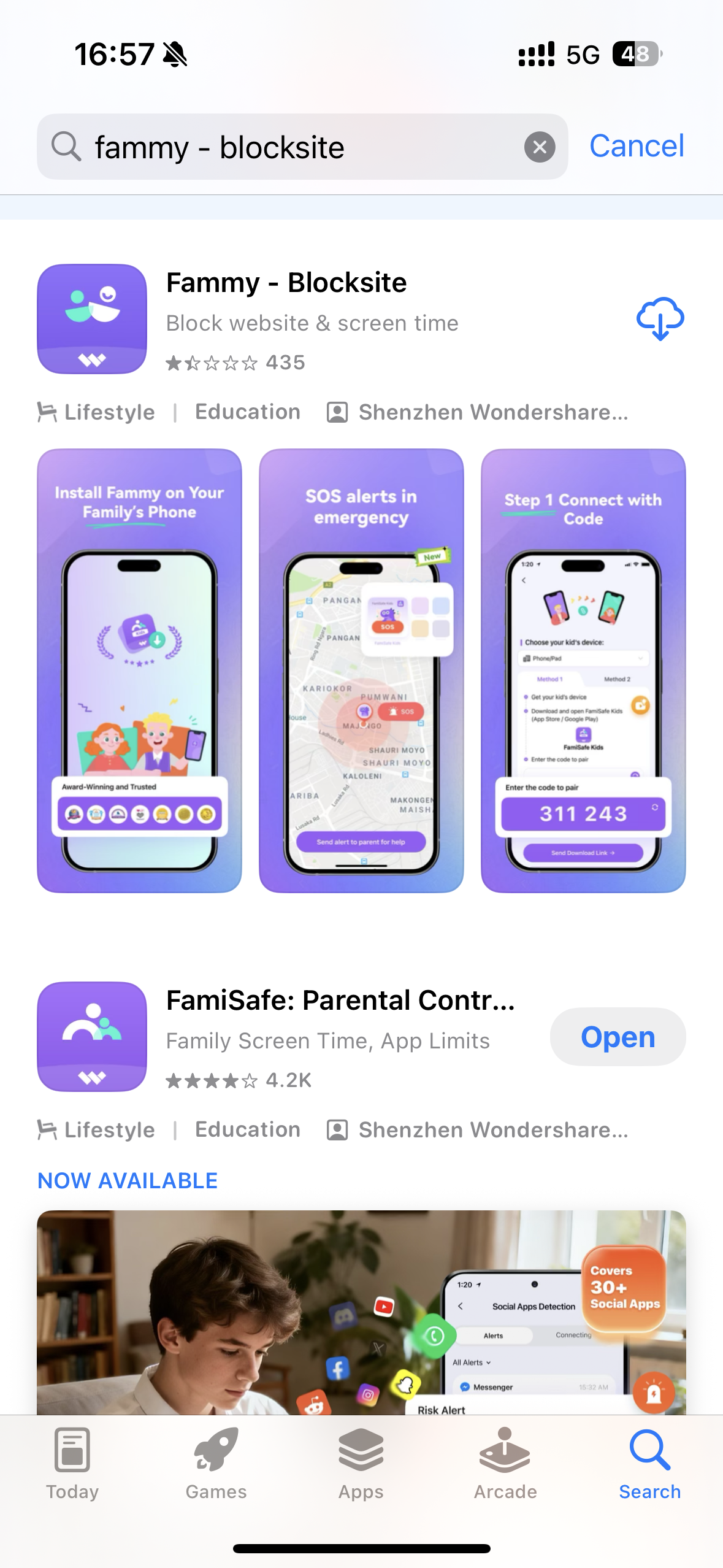
For iPhone, iPad, please download Fammy-Blocksite through Appstore (search Fammy-Blocksite): https://apps.apple.com/us/app/fammy-blocksite/id1559132457
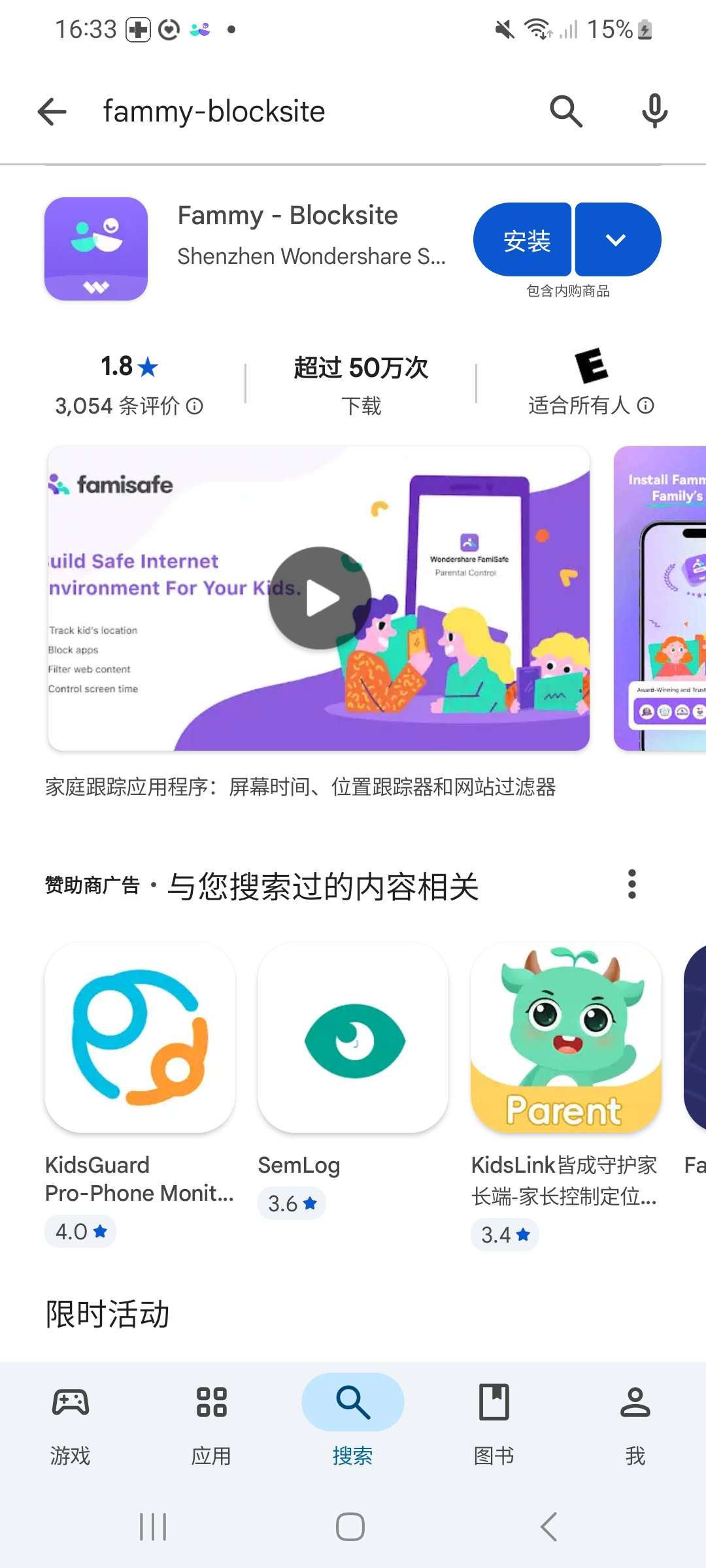
For Android phones and tablets, please download Fammy-Blocksite through Google Play Store (search Fammy-Blocksite): https://play.google.com/store/apps/details?id=com.wondershare.famisafe.kids&hl=en_US
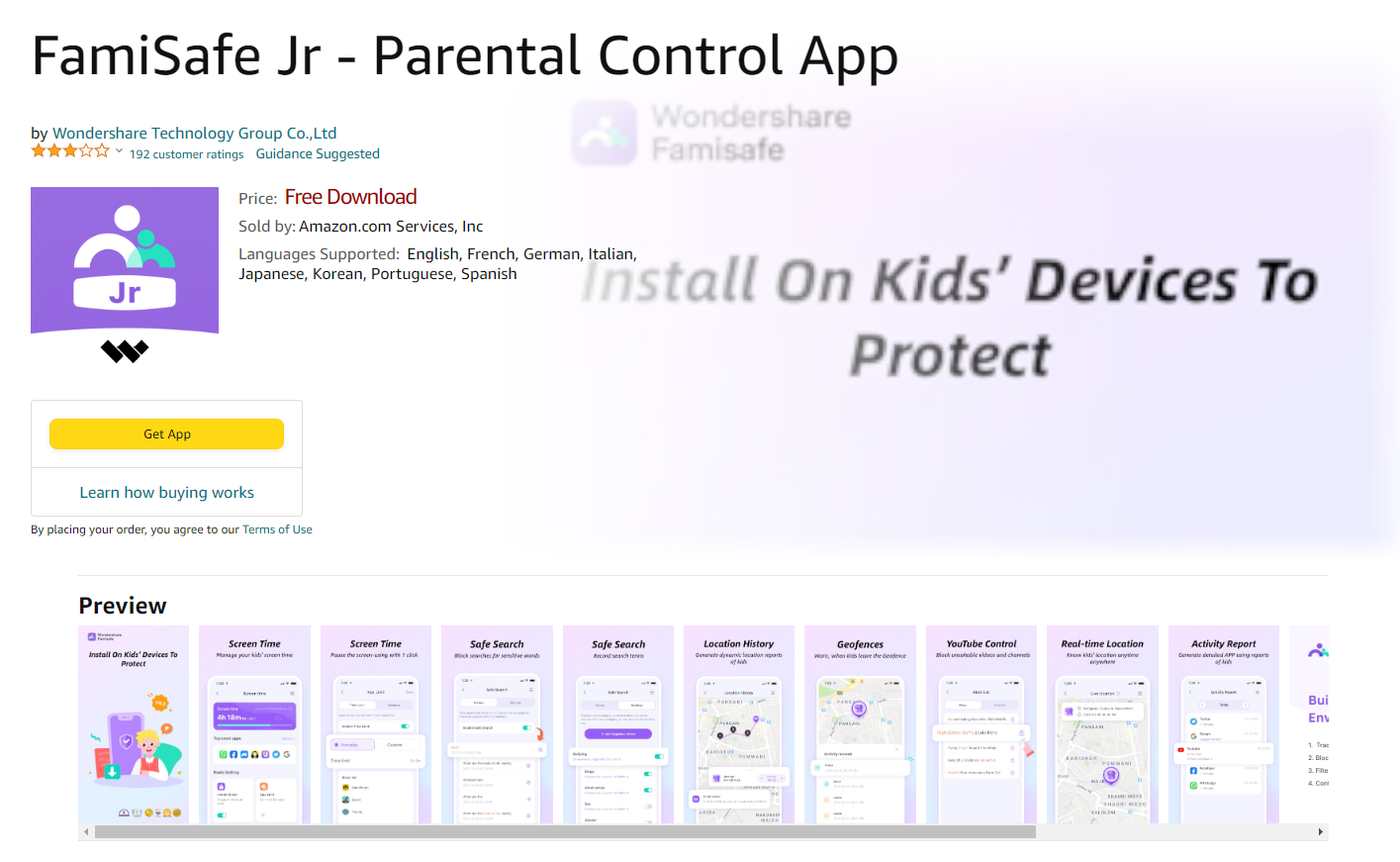
For Kindle Fires, please download Fammy-Blocksite (also called FamiSafe Jr) through Amazon App Store (search FamiSafe Jr):
For Windows computers and Mac computers, please download Fammy-Blocksite from https://i.famisafe.com.
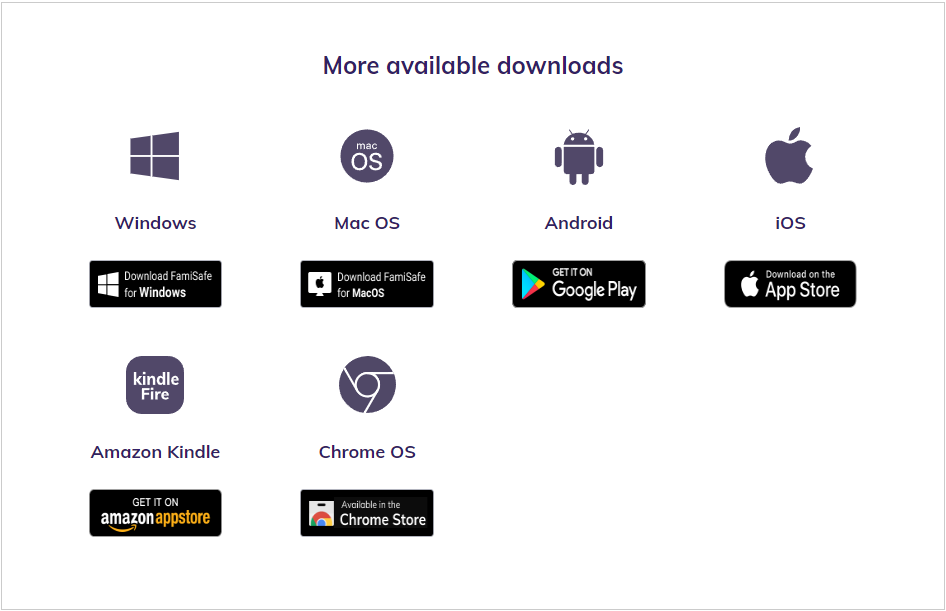
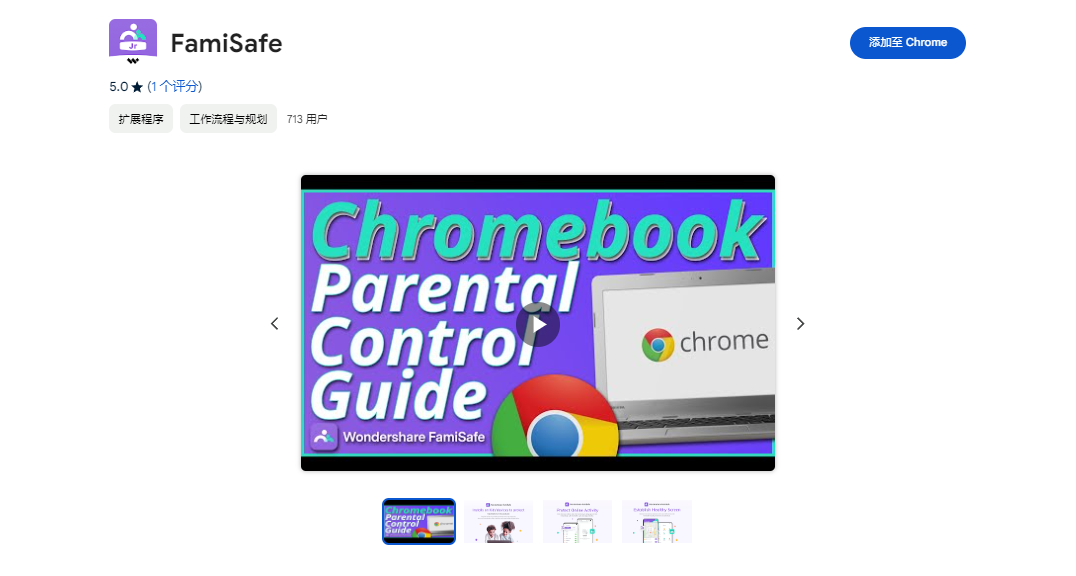
For Chromebooks, please download Fammy-Blocksite (also called FamiSafe Jr) from Chrome Store (Search FamiSafe Jr):
Was This Helpful?
Thanks for your feedback.
Can you tell us what didn't work for you?
Email address is optional. Leave it blank if you do not need follow-up.
Feedback sent!