Here are the steps to register a FamiSafe account on parent’s phone.
Step 1: Download FamiSafe from Google Play or App Store, or visit https://famisafe.wondershare.com/main/login directly through your browser.
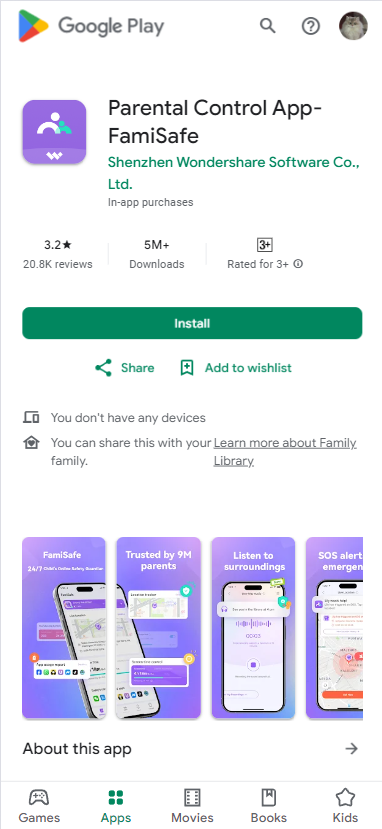
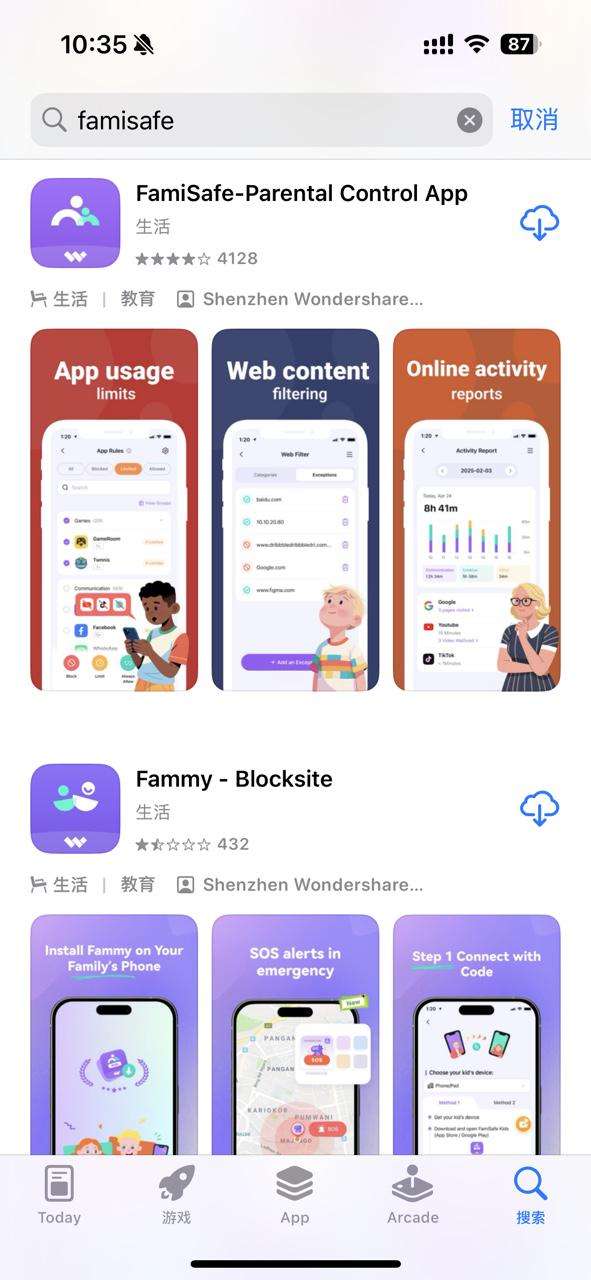
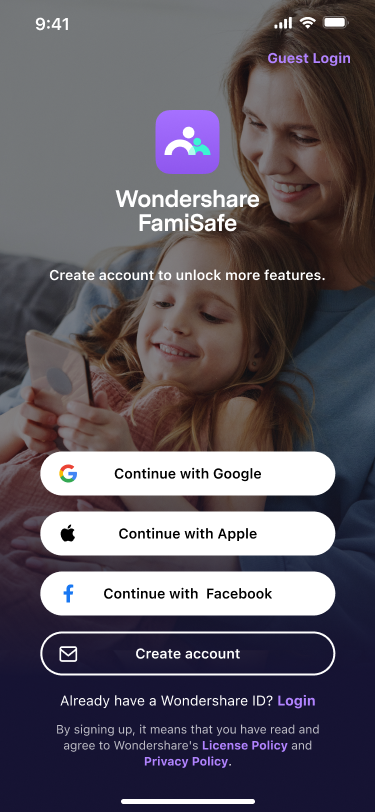
Step 2: Launch FamiSafe on your devices, you can choose to create a FamiSafe account using your email address or continue with third party accounts. FamiSafe supports third-party log in via Google, Facebook, and Apple Account (for iOS devices only).
Step 3: Once the account has been successfully registered, users will be directed to the Dashboard page. Tap the button at the bottom of the Dashboard to start connecting your first device!
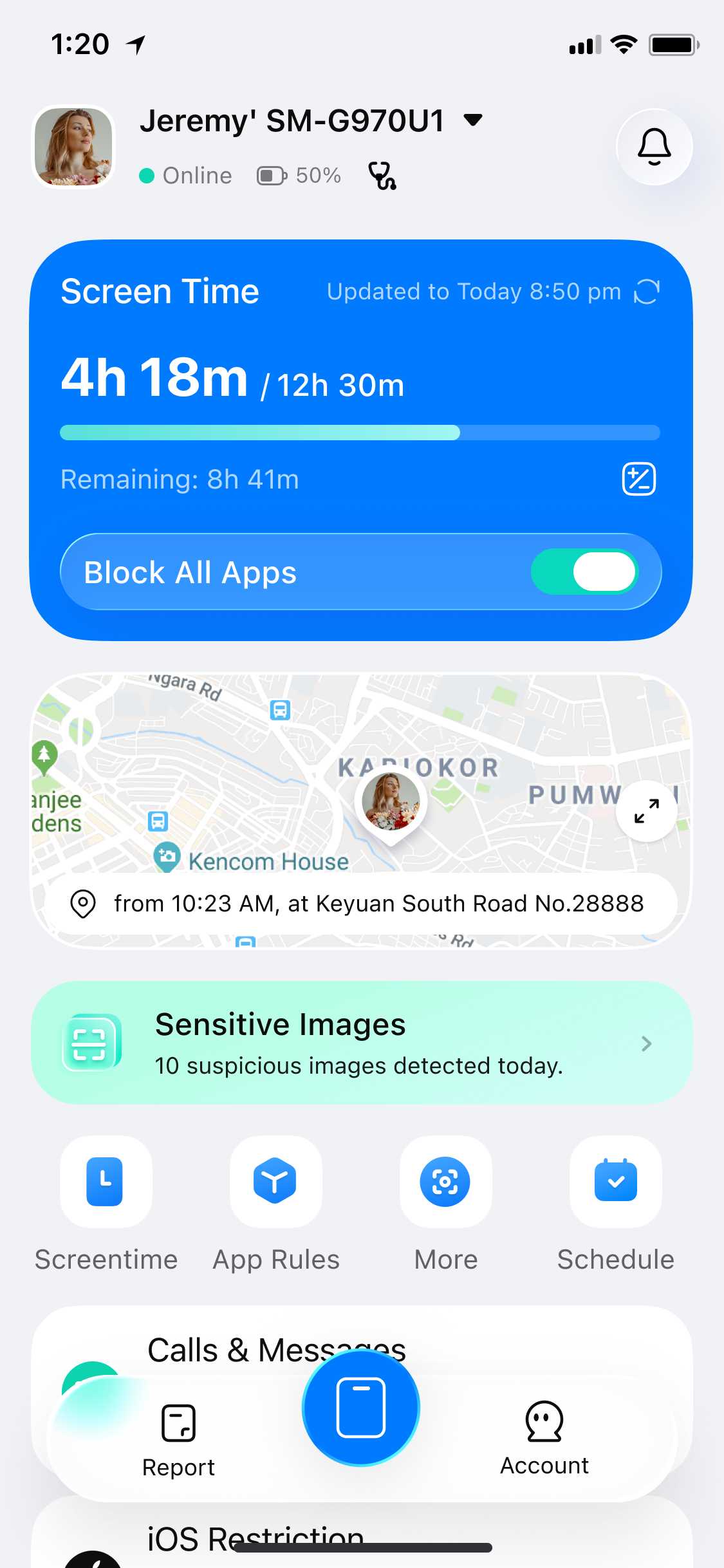
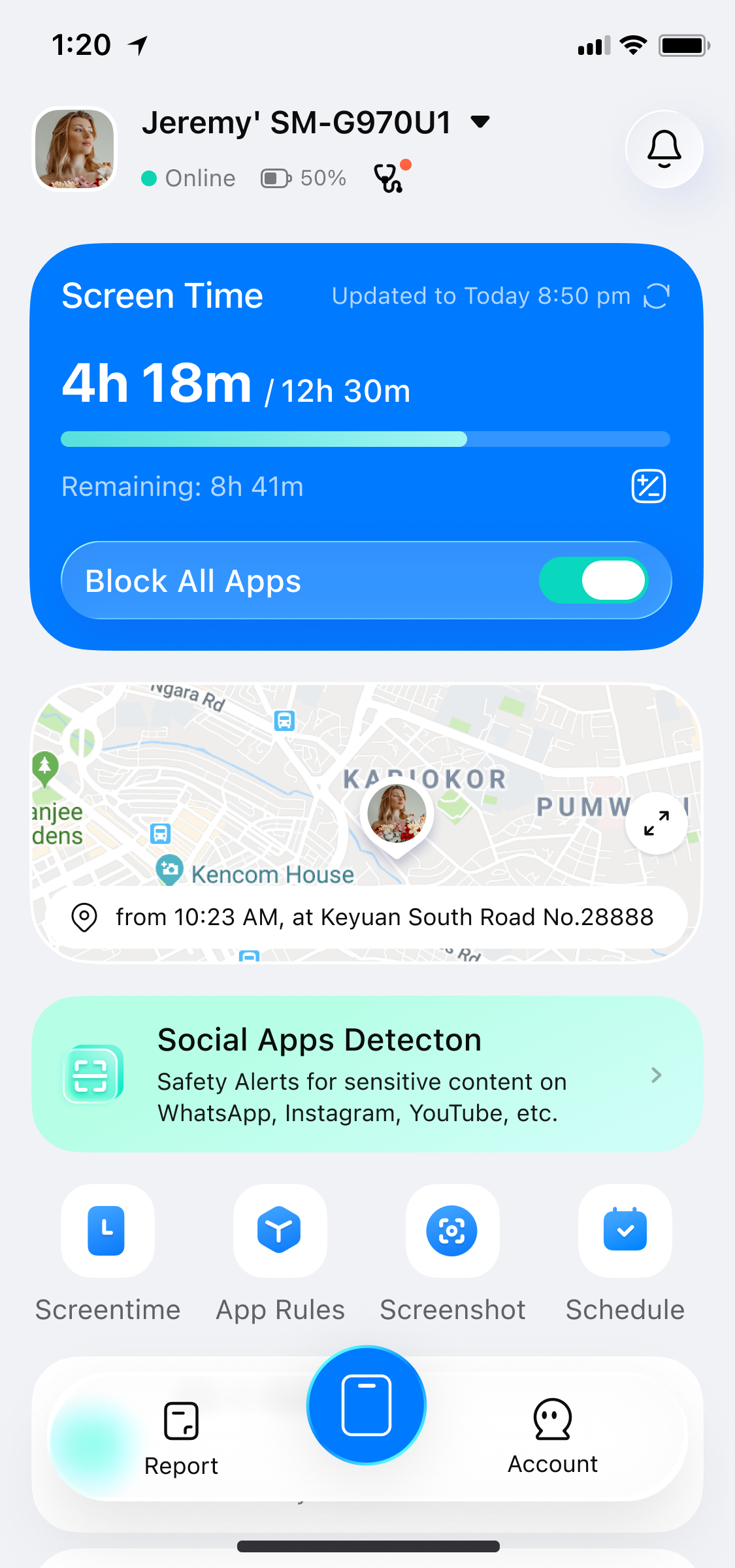
iOS Homepage Android Homepage
Was This Helpful?
Thanks for your feedback.
Can you tell us what didn't work for you?
Email address is optional. Leave it blank if you do not need follow-up.
Feedback sent!