To prevent kids from uninstalling Fammy from their Android devices without parent's consent, we have added uninstall protection for Fammy. Here is a detailed guide to uninstall Fammy from kid's Android device.
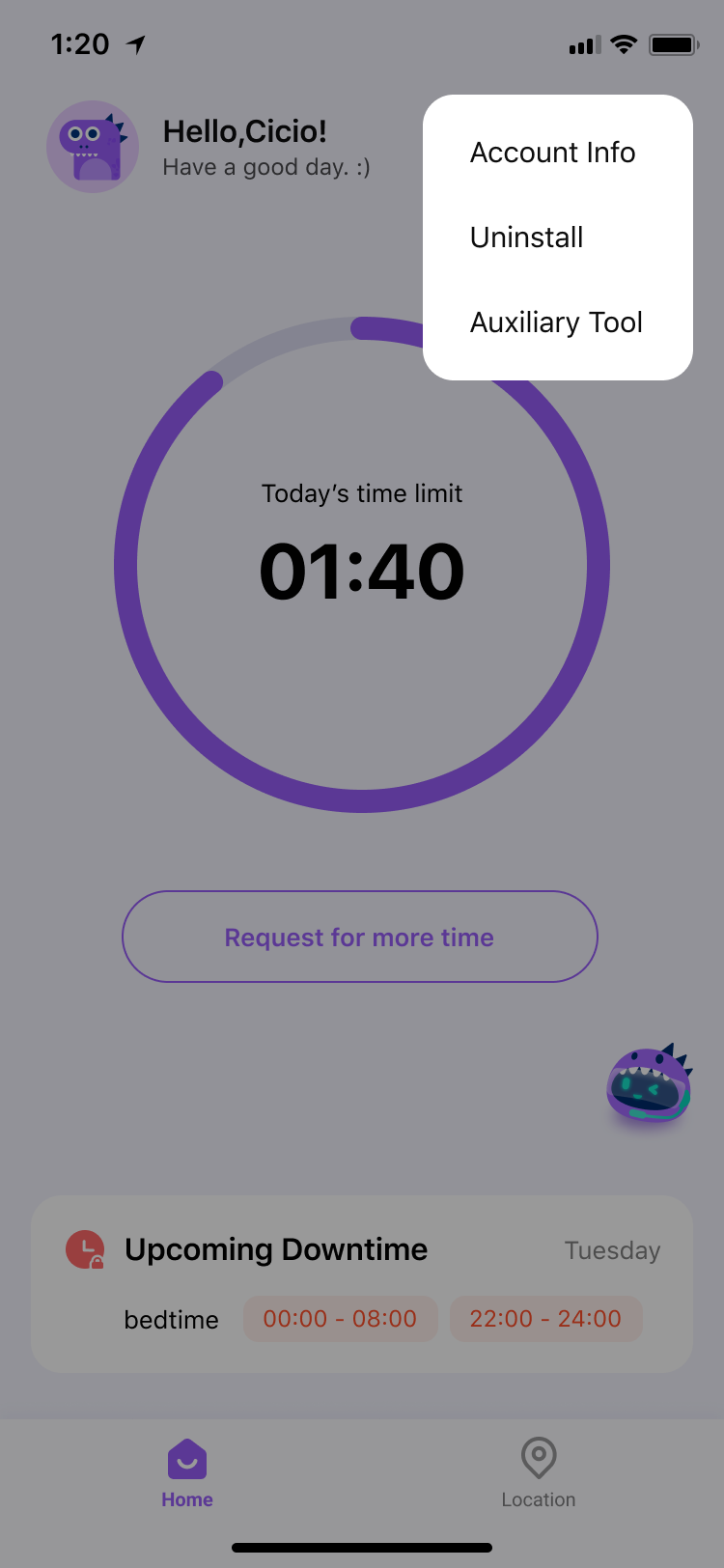
1. Open Fammy.
2. Tap on Uninstall.
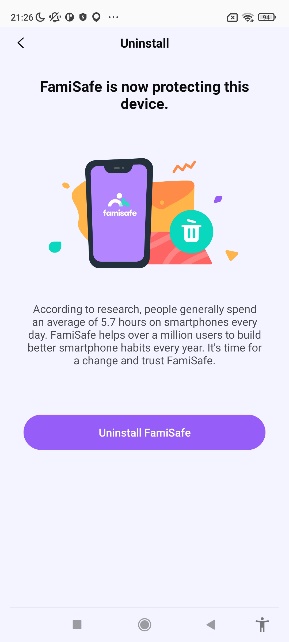
3. Enter your FamiSafe account password. You can choose to enter your own FamiSafe account password (the credentials used to log in to the parent's app), or you can enter the PIN code that has been set in the parent's app (found at: Account—>PIN set).
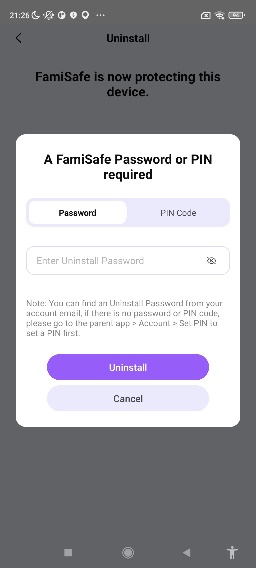
4. Tap on OK on the pop-up window, and FamiSafe app will be uninstalled on your child's device.
Was This Helpful?
Thanks for your feedback.
Can you tell us what didn't work for you?
Email address is optional. Leave it blank if you do not need follow-up.
Feedback sent!