Step 1: Locate the entry for the App Rules feature.
Step 2: Browse through the apps installed on the child's device to assess if there is a need to set rules. Generally, we recommend focusing on apps that are age-rated 17+, especially those related to dating, gaming, and social networking. For educational and learning software, if necessary, you can set them as part of the Allowed apps list, ensuring that such apps will not be restricted along with others.
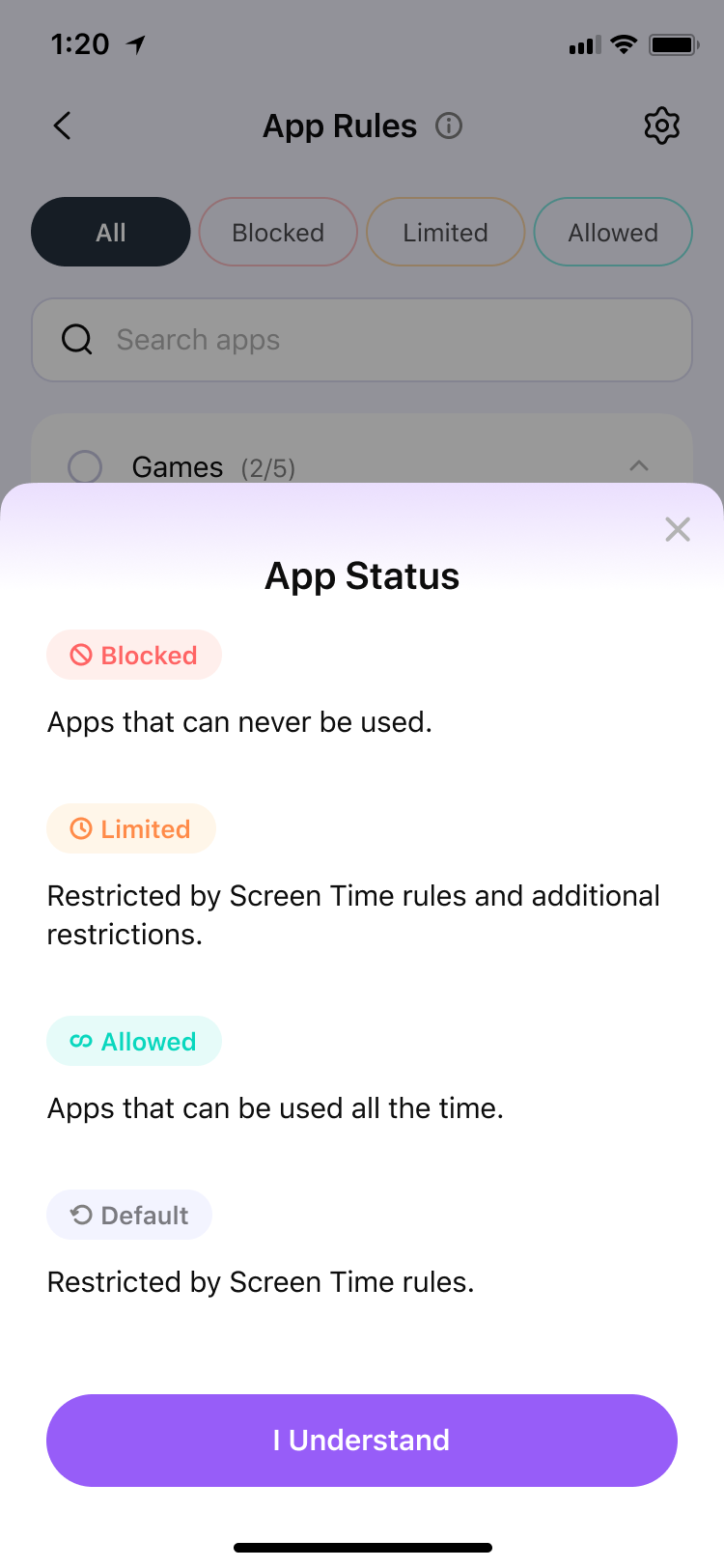
Step 3: You can view your established rules in the Schedule section of the Dashboard. Additionally, you have the flexibility to adjust the rules you've set at any time.
Was This Helpful?
Thanks for your feedback.
Can you tell us what didn't work for you?
Email address is optional. Leave it blank if you do not need follow-up.
Feedback sent!