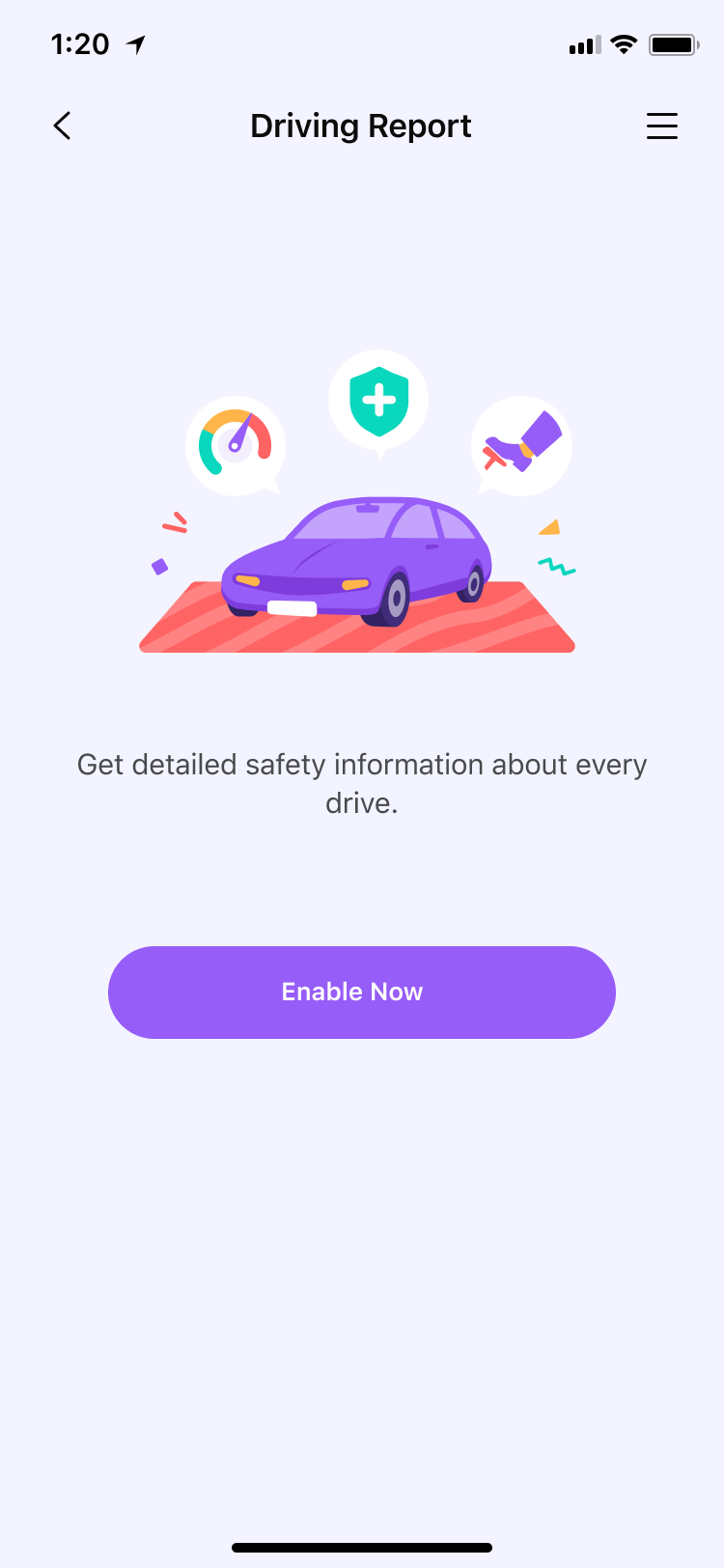
Step 1: Tap Features > Driving Report.
Step 2:Tap Enable to enable the feature and get to know your kid's driving behaviors.
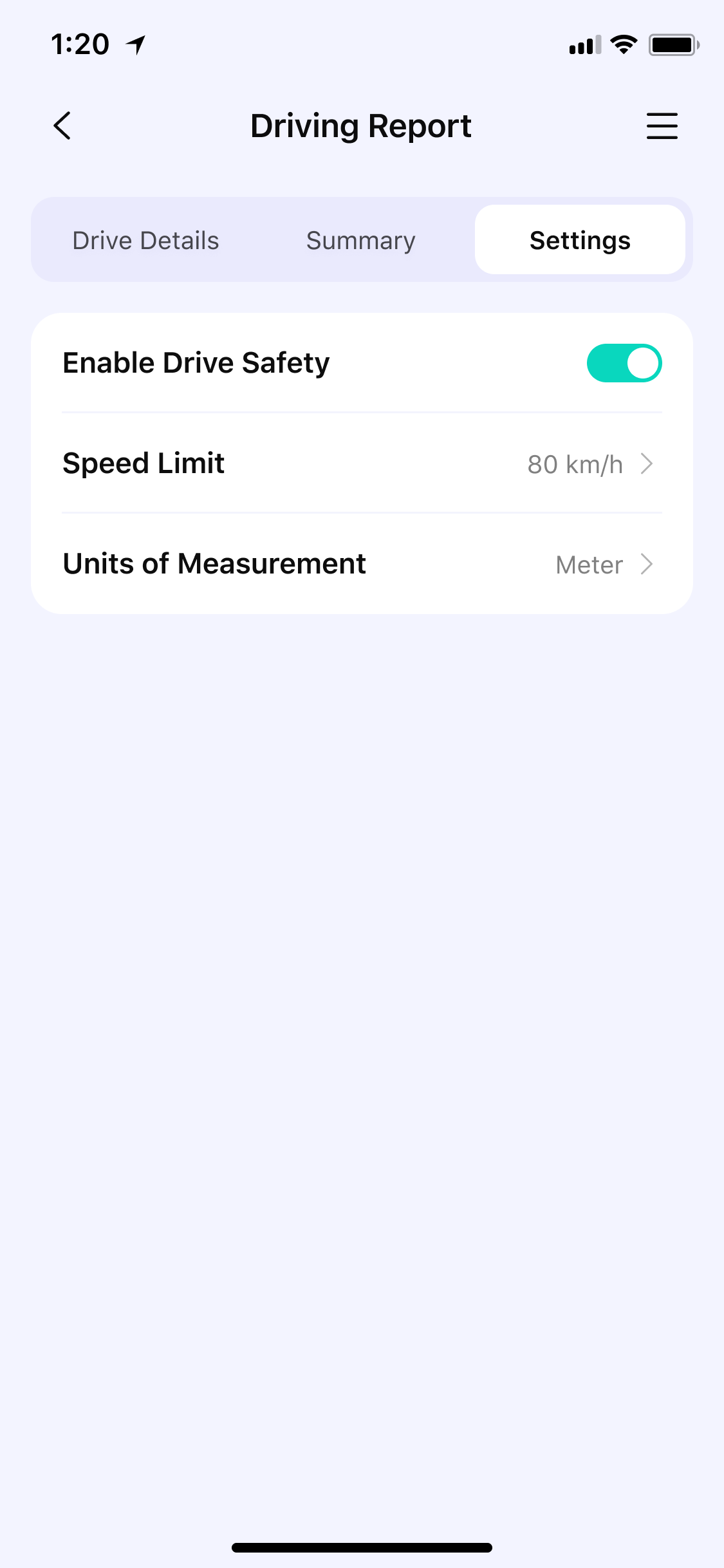
Step 3: Set the speed limit so that FamiSafe will record the number of over speeding.
Step 4: Click “Weekly Summary” to view the weekly report. You can click < or > to view reports for the past few weeks.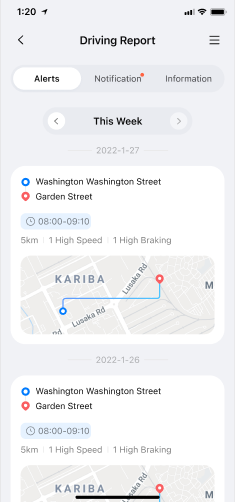
Step 5: Click “Driving Details” to view driving information for each trip.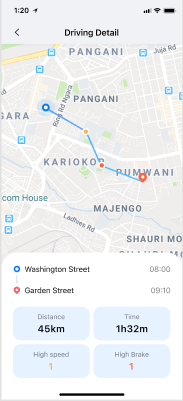
Was This Helpful?
Thanks for your feedback.
Can you tell us what didn't work for you?
Email address is optional. Leave it blank if you do not need follow-up.
Feedback sent!