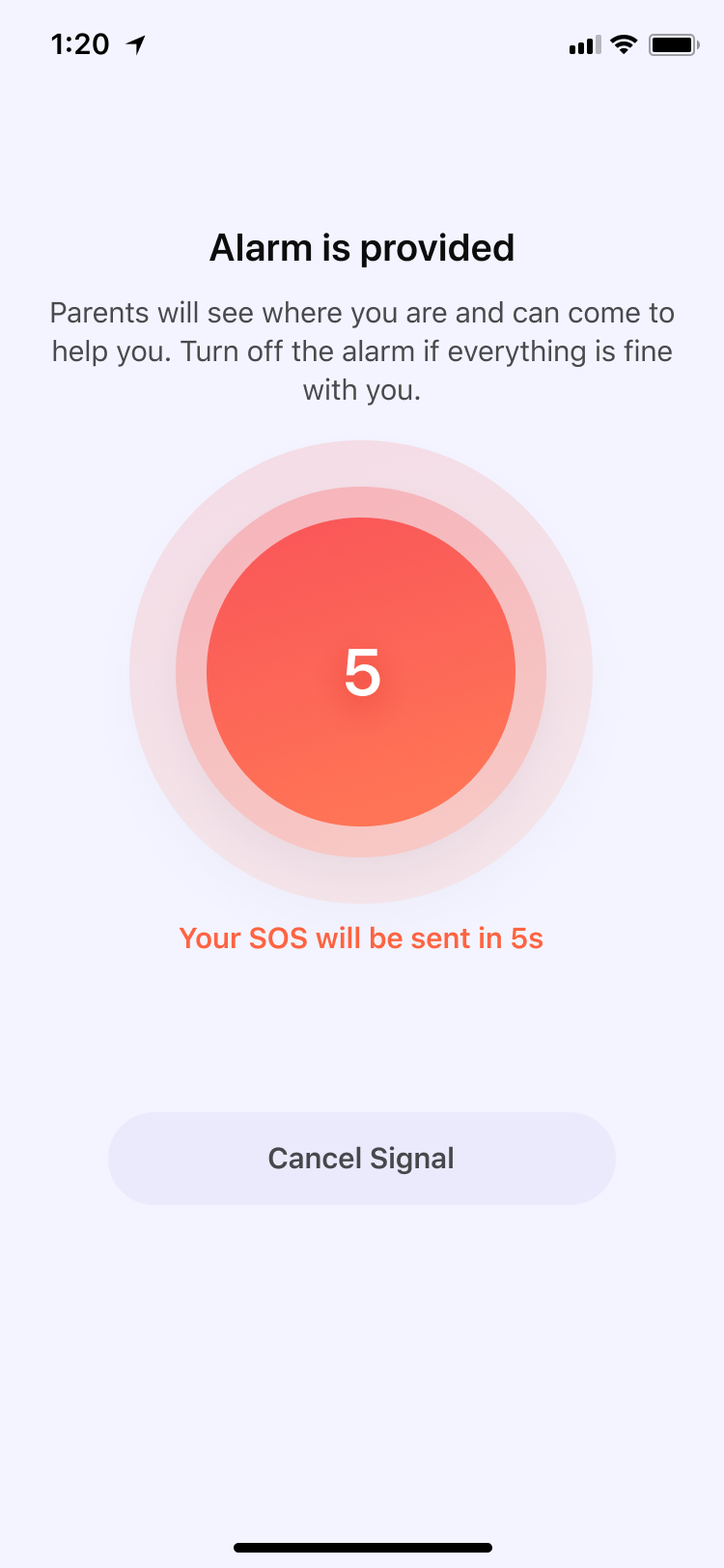
Step 1: In situations where a child requires immediate assistance from a parent, they can trigger an alert by clicking the SOS button. There is a 5-second cooldown period after each trigger, during which the child can cancel the alarm at any time. Once the cooldown period is over, the alert will be immediately pushed to the parent's device, and the parent will receive a highly noticeable alert sound.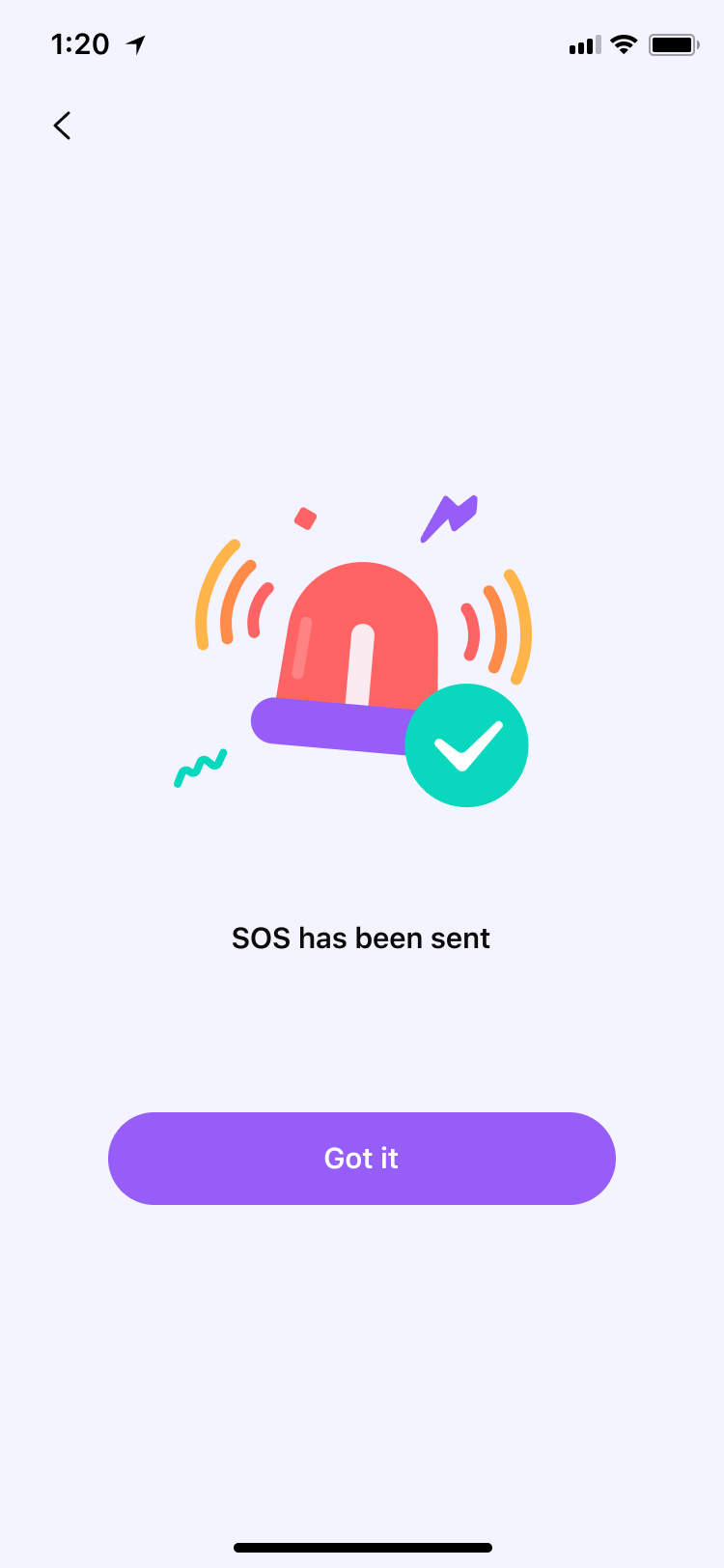
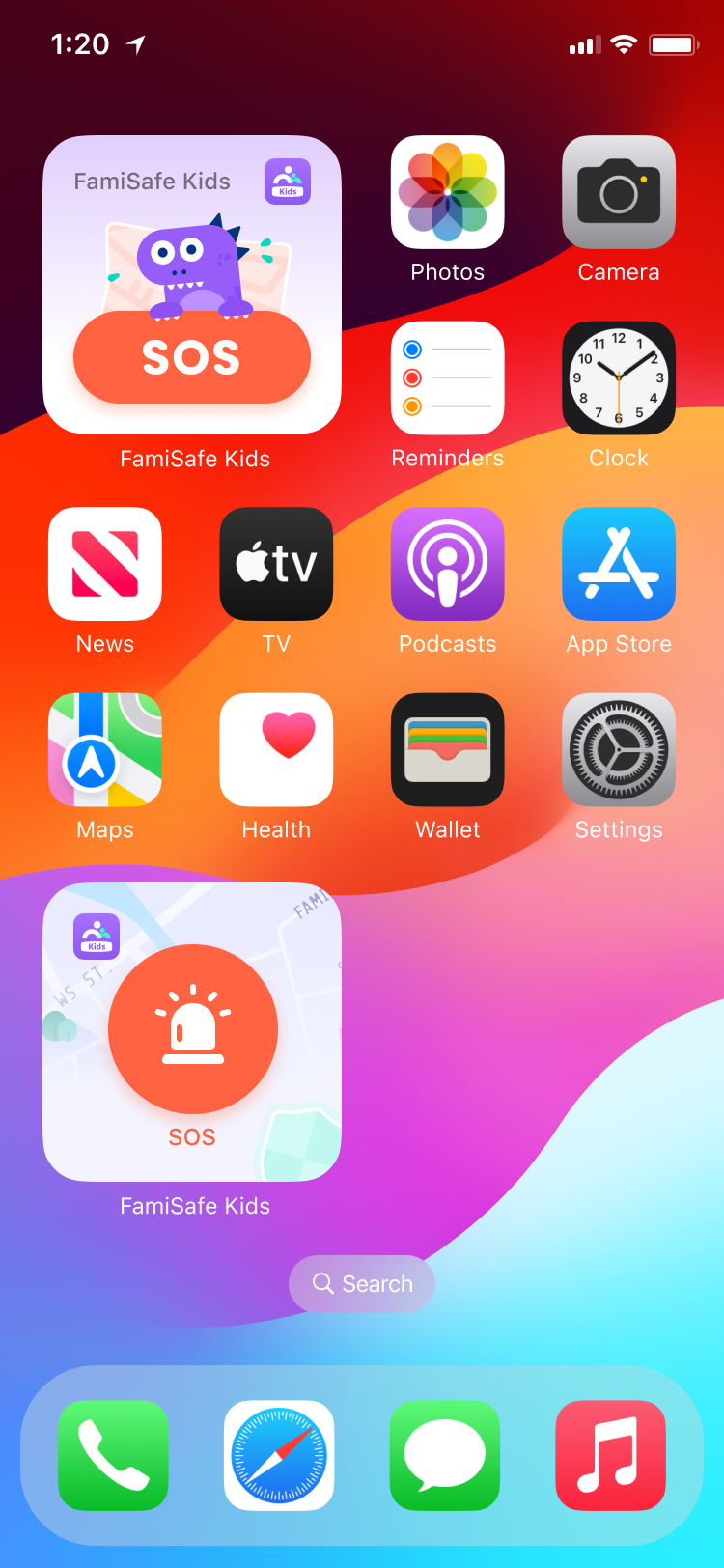
Step 2: For easy access to the SOS button, we support adding it as a widget to the home screen. For Android devices, please follow these steps: (1) From the Home Screen, touch and hold a widget or an empty area until the apps jiggle. (2) Tap the Add button “+” in the upper-left corner. (3) Select the widget of FamiSafe, choose a widget size, then tap Add Widget. (4) Tap Done.
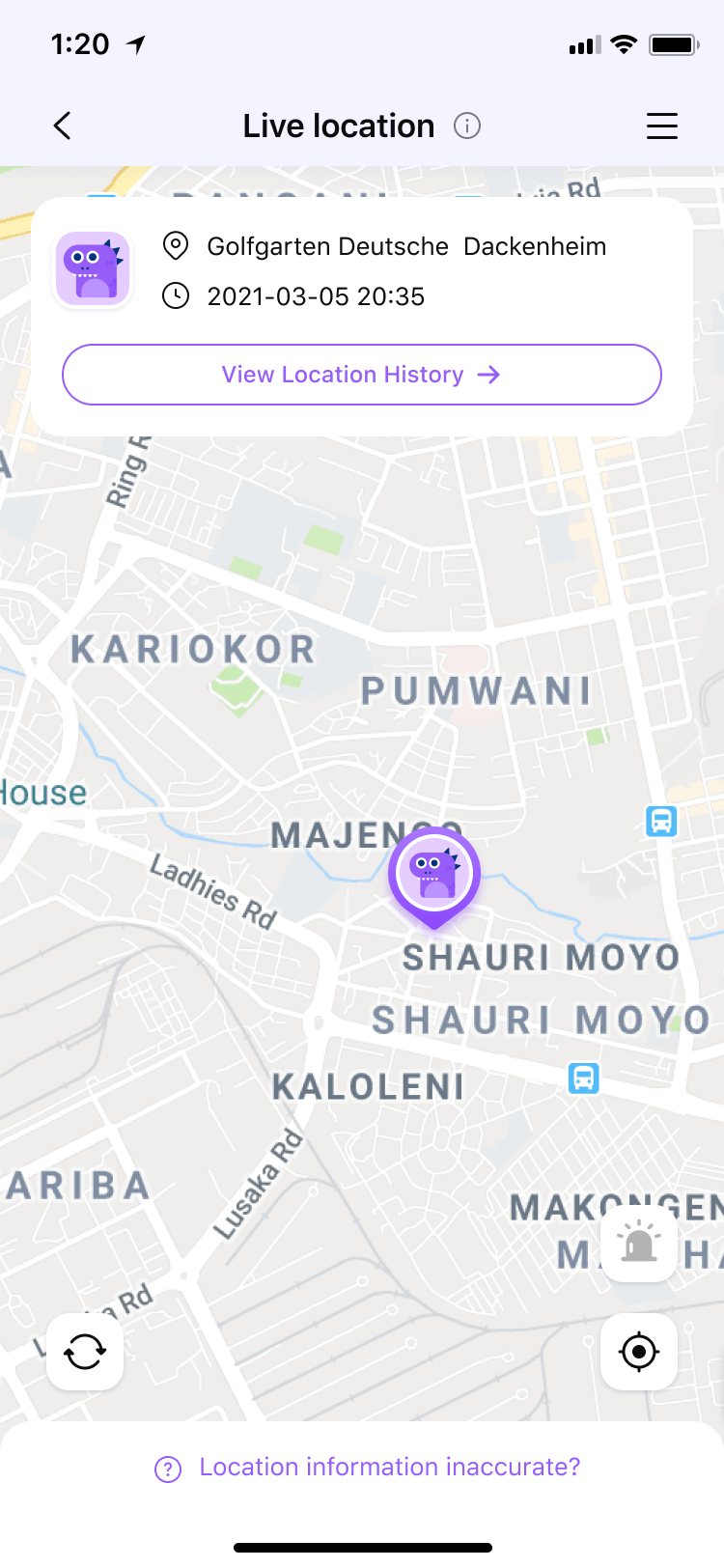
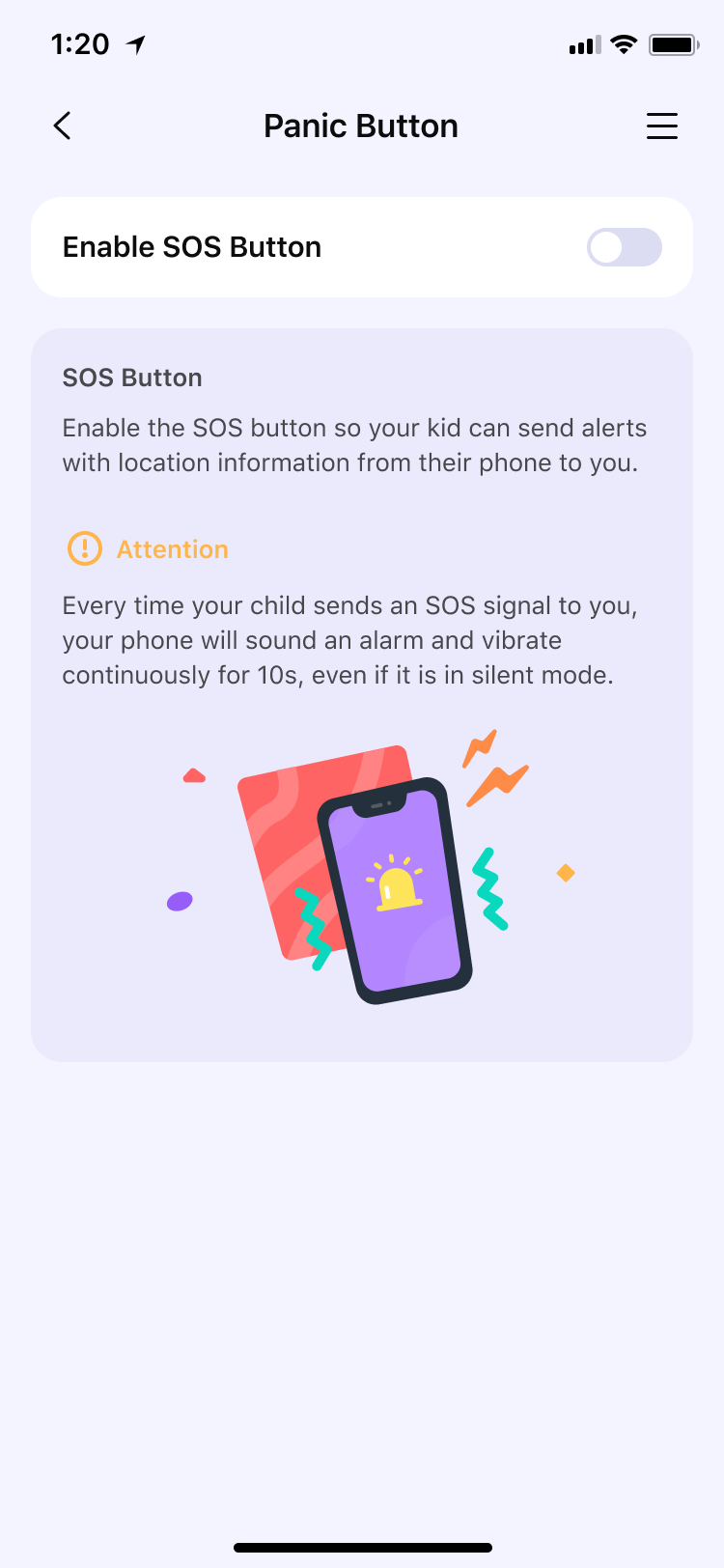
Step 3: If you feel that frequent use of this feature by your child might cause you disturbance, you can turn off the SOS feature on Fammy from the parent's app at any time. The method to turn off the feature is as follows: (1) Tap on Live Location in the FamiSafe App, (2) Locate the alarm button at the bottom right corner, (3) Switch off the toggle for the feature. Once the toggle is turned off, the child will no longer be able to access the red SOS button.
Was This Helpful?
Thanks for your feedback.
Can you tell us what didn't work for you?
Email address is optional. Leave it blank if you do not need follow-up.
Feedback sent!