Step 1: Tap "Features" > "Geofences".
Step 2: Tap "Add" to create a geofence. Enter a name for the geofence, then search for the location you want to set as the geofence.
Step 3: Select the area to apply to the geofence, then tap "Save".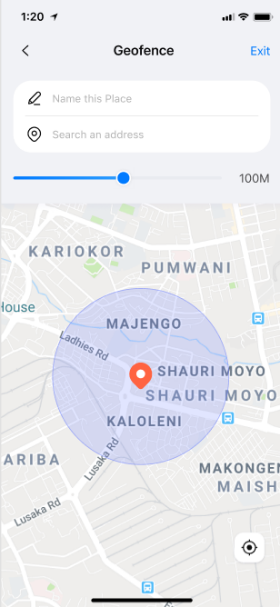
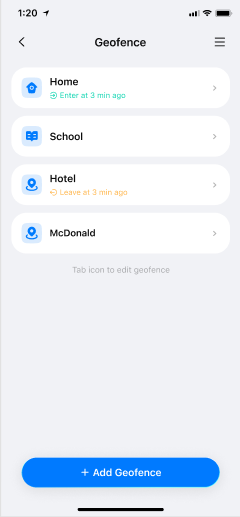
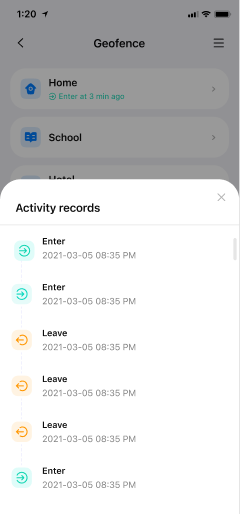
Step 4: You will receive a notification under "Notifications" when your child enters or leaves the area you set.
Was This Helpful?
Thanks for your feedback.
Can you tell us what didn't work for you?
Email address is optional. Leave it blank if you do not need follow-up.
Feedback sent!