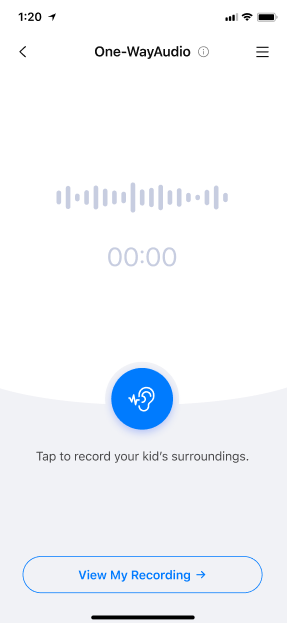
Step 1: Tap One-way Audio to access the feature homepage
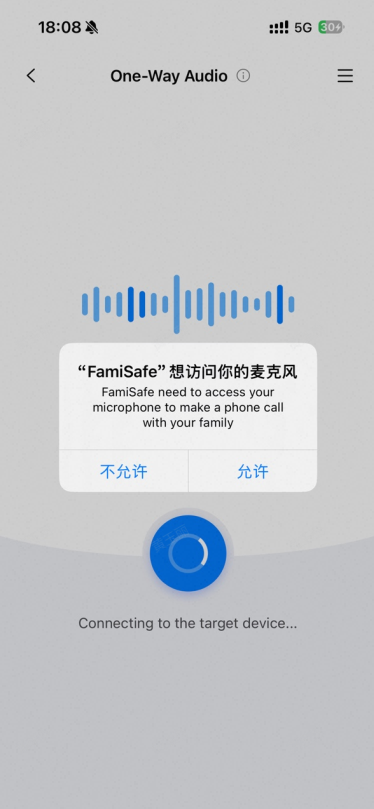
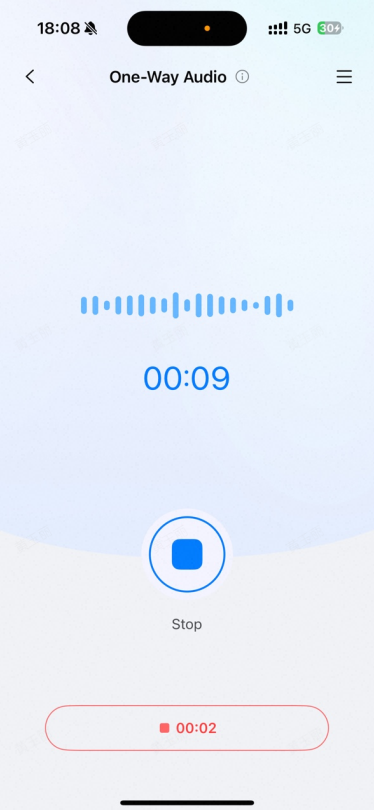
Step 2: Tap the blue ear icon to start real-time listening. The first time you enable recording, you'll need to grant microphone permission—tap Allow.
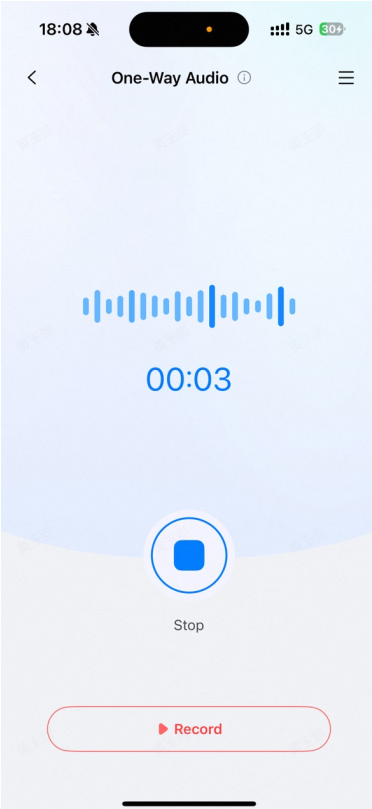
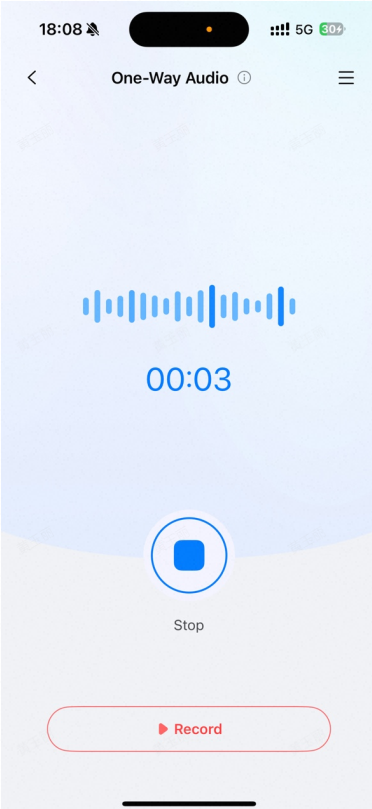
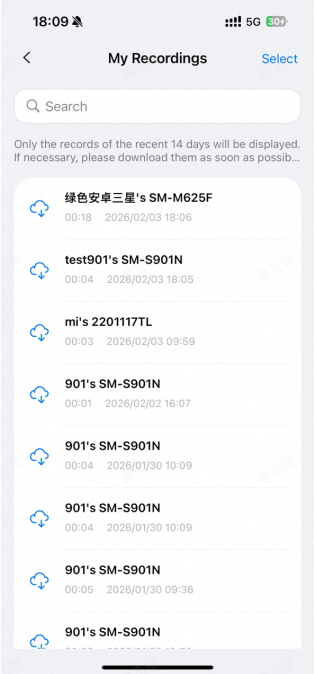
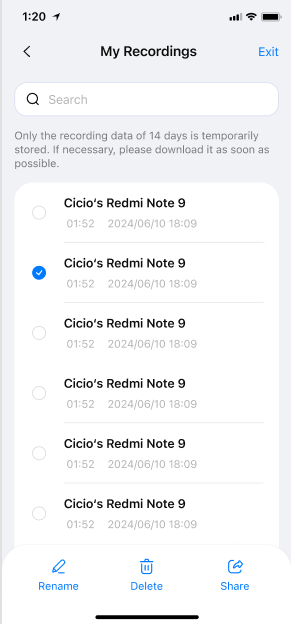
Step 3: During the live listening session, click the Record button to start recording. Recordings can be viewed in View My Recording. Recordings can be renamed, downloaded, deleted, or shared.
Was This Helpful?
Thanks for your feedback.
Can you tell us what didn't work for you?
Email address is optional. Leave it blank if you do not need follow-up.
Feedback sent!